

Alternatives to Seedream 5.0
Seedream 5.0 effortlessly turns your text into stunning visuals in seconds, empowering your creativity with AI.
20 alternatives found
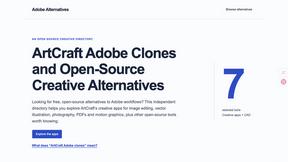
Adobe Alternatives
Explore open-source creative software by workflow, platform and development stage, with comparisons and official project links.

ToolVerified
Stop wasting time on broken AI demos. We test every app by hand, and honest community votes build our daily trending charts.
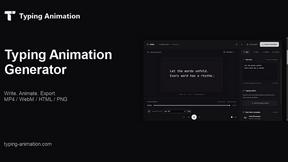
Typing Animation
Create typing animations with custom fonts, timing and sound. Export MP4, transparent WebM, HTML or PNG.

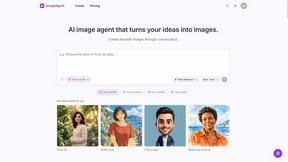
ImageAgent
Create and edit AI images through conversation, using text or reference images and refining results in chat.
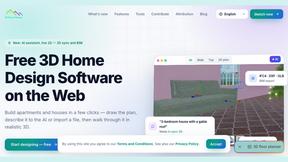
3D House Planner
Free browser-based home design tool: draw a 2D floor plan, see it in 3D, furnish rooms and render it with AI. No install.
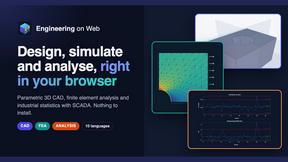
Engineering on Web
Free browser-based CAD, FEA simulation and engineering statistics, with an AI assistant for CAD. No install, no account.
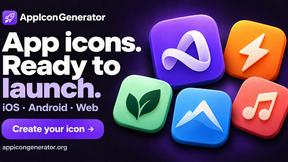
AppIconGenerator
Generate iOS and Android app icons from any image and export all platform sizes for free.
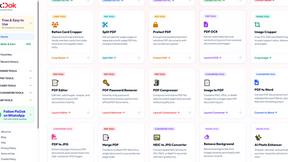
Pixdok
PixDok is your all-in-one free online toolkit for PDF editing, image conversion, background removal, passport photos, and QR codes.
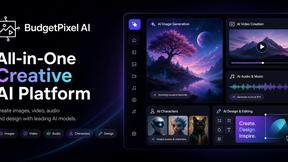
Budgetpixel AI
Create AI images, videos, music, and designs in one workspace with multiple models, powerful editing tools, and API access.
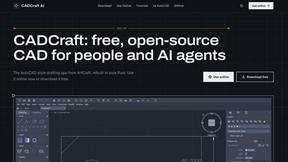
CADCraft
Free open-source 2D CAD for precise drafting, technical documentation, and AI-assisted automation.
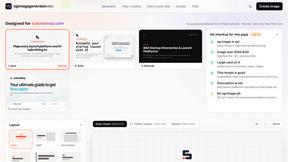
OG Image Generator
Paste a URL and AI designs on-brand Open Graph images from your page's colours, fonts and logo. Free, no sign-up.
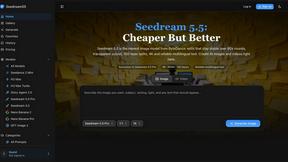
Seedream 5.5
Seedream 5.5 by ByteDance: 80+ rounds of stable image editing, native RGBA transparency, 100-layer splits, 4K output and reliable multilingual text.
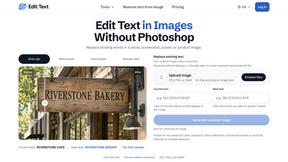
Reword Image
Replace the text already inside a photo or screenshot and keep the original layout, colors and perspective. No design file needed.
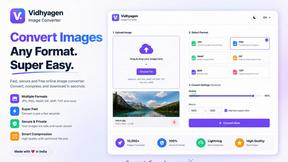
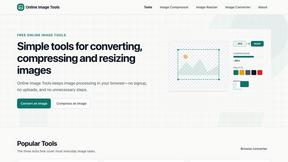
VidhyaGen - Image Converter
All-in-one digital toolkit for effortless image conversion, compression, resizing, and everyday file utilities in a single place.
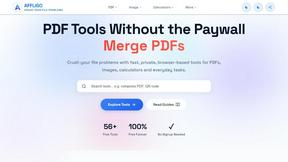
AFFLIGO
AFFLIGO makes everyday file tasks easier with free online tools to compress, convert, edit, and manage PDFs and images.
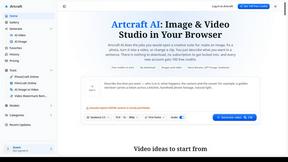
Artcraft AI
AI image and video studio in your browser: generate and edit images, turn photos into videos, edit clips by sentence.
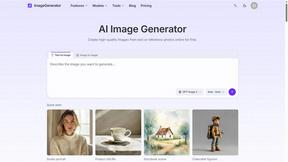
ImageGenerator
Create and edit AI images online with multiple models, text-to-image, image-to-image, background removal, and upscaling.

About Seedream 5.0 Alternatives
Seedream 5.0 is a transformative platform designed to convert text descriptions into striking visuals instantly. As a leading AI image editor in the design tools category, it caters to both everyday users and professional creatives, making the art of visual creation accessible to all. Users often seek alternatives to Seedream 5.0 for various reasons, including features, pricing, and platform compatibility. Some may require specific functionality or integration with other tools, while others may be exploring cost-effective solutions that still deliver high-quality outputs. When looking for alternatives to Seedream 5.0, consider factors such as user interface simplicity, available features, and the quality of image resolution. It’s essential to evaluate whether the alternative meets your creative needs while providing an intuitive experience. Additionally, support for multiple languages and platforms can be crucial for a diverse user base, ensuring that everyone can tap into their creative potential with ease.
FAQs about Seedream 5.0 Alternatives
What is Seedream 5.0?
Seedream 5.0 is a free AI image editor developed by ByteDance that transforms text descriptions into stunning visuals within seconds.
Who is Seedream 5.0 for?
Seedream 5.0 is designed for both casual users and professional creatives who want to generate high-quality images without extensive design skills.
Is Seedream 5.0 free?
Yes, Seedream 5.0 is a free platform that allows unlimited image generation.
What are the main features of Seedream 5.0?
Key features of Seedream 5.0 include instant image generation, high-resolution outputs, a user-friendly interface, and support for over 100 languages.