

Alternatives to Grok Imagine
Grok Imagine empowers teams to collaboratively create stunning AI videos from text or images in seconds.
20 alternatives found
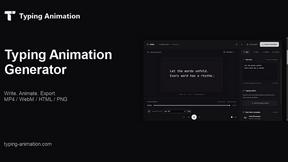
Typing Animation
Create typing animations with custom fonts, timing and sound. Export MP4, transparent WebM, HTML or PNG.
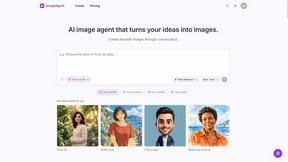
ImageAgent
Create and edit AI images through conversation, using text or reference images and refining results in chat.
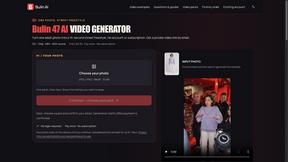
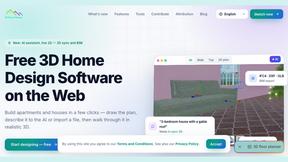
3D House Planner
Free browser-based home design tool: draw a 2D floor plan, see it in 3D, furnish rooms and render it with AI. No install.
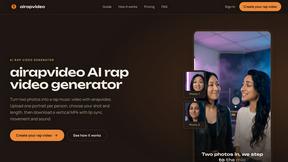
airapvideo
AI rap video generator that turns two portraits into a short vertical, lip-synced music video for TikTok, Reels, Shorts, celebrations, or fun.
GenX
All-in-one AI workspace to generate images, videos, and audio with multiple leading AI models.
AiAgeFilter
Free AI age filter: upload an adult portrait, add 10-40 years, meet your older self. No app needed.
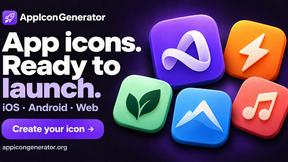
AppIconGenerator
Generate iOS and Android app icons from any image and export all platform sizes for free.

PhotoGenerAI
Browser-based AI photo generation and editing for portraits, product images, background edits and outfit changes.
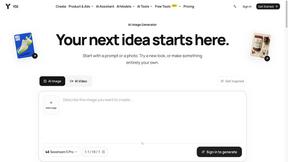
YIX
AI image and video generation, photo editing, restoration and free prompt tools in one browser studio.
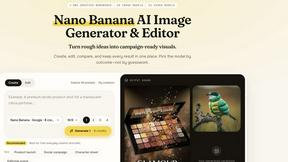
Nano AI
Create and edit AI images, generate videos, and compare models in one creative workbench.
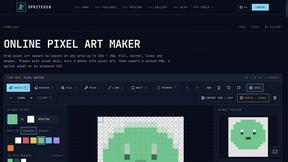
SpriteGen
Create AI pixel-art sprites and animated sprite sheets, refine assets in the editor, and export PNG, GIF, or JSON.

Tip Toe AI
Upload a Dancer photo and a Partner photo and get your own AI Tip Toe barn-dance video. Free 5s preview, 12s HD from $4.90. No subscription.
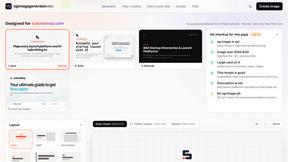
OG Image Generator
Paste a URL and AI designs on-brand Open Graph images from your page's colours, fonts and logo. Free, no sign-up.
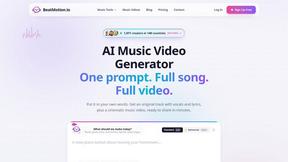
BeatMotion
Turn a text prompt, your lyrics, or a photo into an original song with vocals plus a cinematic AI music video, ready to share in minutes.

Ozil Goal AI
Turn one photo into the viral Özil goal meme video: you, your dog, a toy or a drawing scores. Free 5s preview, 10s 720p from $4.90. No subscription.
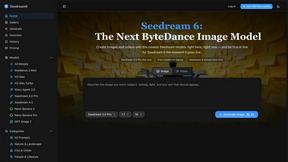
Seedream 6
Independent Seedream 6 guide with a browser-based AI image and video generator powered by Seedream 5.0 Pro and 5.5.
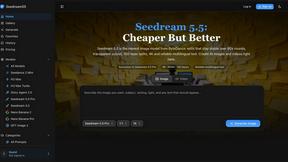
Seedream 5.5
Seedream 5.5 by ByteDance: 80+ rounds of stable image editing, native RGBA transparency, 100-layer splits, 4K output and reliable multilingual text.
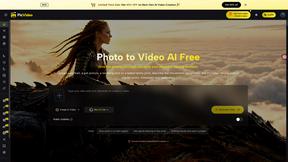
PicVideo
Turn photos into animated videos with AI. Free credits on selected models; paid options for private, watermark-free results.
About Grok Imagine Alternatives
Grok Imagine is a collaborative, AI-powered creative suite that empowers teams to generate stunning videos and images from text or existing visuals. Designed to streamline the creative process, it offers features such as text-to-video, image-to-video, and text-to-image generation, making it ideal for creators, marketers, and storytellers. Users often seek alternatives to Grok Imagine for various reasons, including pricing, specific feature sets, or compatibility with their preferred platforms. When exploring alternatives, it’s essential to consider factors like ease of use, the quality of content generated, collaboration capabilities, and whether the tool aligns with your creative workflow and project requirements.
FAQs about Grok Imagine Alternatives
What is Grok Imagine?
Grok Imagine is a collaborative AI-powered creative suite that helps teams create high-quality videos and images from text or existing visuals.
Who is Grok Imagine for?
Grok Imagine is designed for creators, marketers, storytellers, and teams looking to produce engaging audiovisual content efficiently.
Is Grok Imagine free?
Grok Imagine offers free credits to help users kickstart their creative journey.
What are the main features of Grok Imagine?
Main features include multi-format generation, automatically synced audio, and three distinct creative modes tailored to different project tones.