

Alternatives to AI ImageEditor
AI ImageEditor is a powerful online tool that enables seamless image generation, editing, and enhancement with AI precision for all your creative.
20 alternatives found
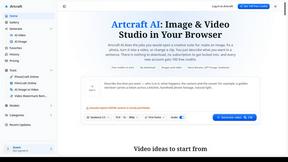
Artcraft AI
AI image and video studio in your browser: generate and edit images, turn photos into videos, edit clips by sentence.
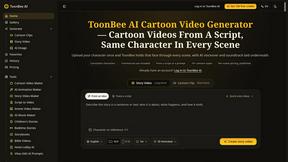
ToonBee AI
ToonBee AI turns a script or a one-line idea into a narrated cartoon video, keeping the same character in every scene. 10+ styles, 16:9 or 9:16.
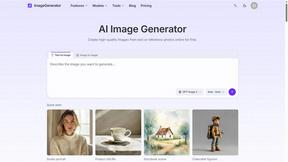
ImageGenerator
Create and edit AI images online with multiple models, text-to-image, image-to-image, background removal, and upscaling.
SightRadar
Face recognition API that is a drop-in replacement for AWS Rekognition. Index, search, compare and detect faces, billed per photo, no subscription.
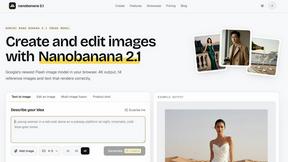
nanobanana 21
Fast, simple image creation and editing with accurate details, readable text, consistent characters, and up to 14 reference images.


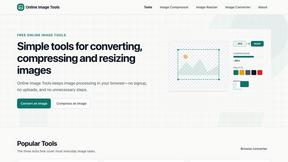
SnappyKit
40+ free image tools that run in your browser — convert, compress, resize and edit JPG, PNG, WebP, AVIF and HEIC files. No uploads, no sign-up.

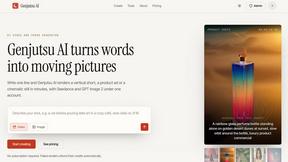
Genjutsu AI
Genjutsu AI turns your ideas into cinematic videos, product ads, social media shorts, and high-quality images in minutes. Choose a model, describe you
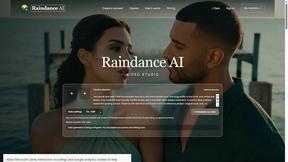
Raindance AI
Turn two authorized portraits into a seaside golden-hour video: a wooden dock, two people taking turns singing, and a slow pullback to the sunset. Pre
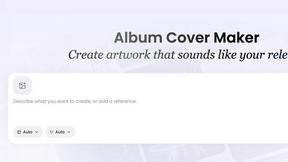
AI Album Cover Maker
Create release-ready album covers from a prompt or photo. Generate, refine, and export art for singles, EPs, mixtapes, and playlists.

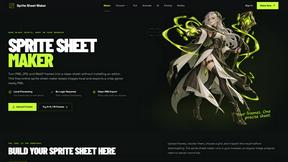
Sprite Sheet Maker
A free browser-based toolkit for creating, cutting, converting, and previewing sprite sheet animations.
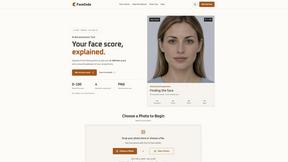
FaceCoda
Free AI attractiveness test and face analysis with private, on-device photo processing.
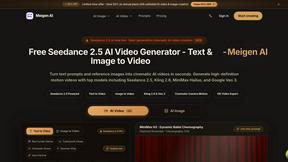
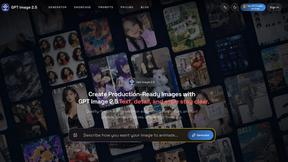
GPT Image 2 API
Generate and edit production-ready images with GPT Image 2 API, clear text rendering, reference images, and developer-friendly API workflows.
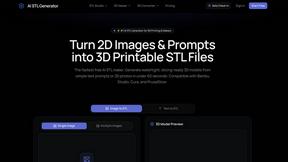
AI STL Generator
The fastest AI STL generator to turn prompts and images into 3D printable STL files.

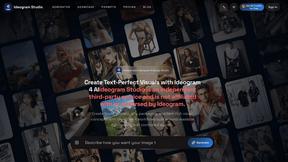
Ideogram Studio
Create readable text, logos, posters, ads, and ecommerce visuals with Ideogram 4 workflows, guided prompts, image references, and API tools.
About AI ImageEditor Alternatives
ImageEditor.net is a versatile AI image editing platform that empowers users to create, edit, and enhance images directly in their web browsers. This all-in-one tool integrates multiple features such as text-to-image generation, background removal, object replacement, style transfer, and high-resolution upscaling, making it an essential resource for creators, marketers, designers, and businesses seeking professional-quality visuals without the steep learning curve of traditional software. As users explore their options, they often look for alternatives to AI ImageEditor for various reasons, including pricing, feature sets, and compatibility with their specific platform needs. When selecting an alternative, it’s important to consider not only the range of features offered but also the user experience, accessibility, and the level of customer support provided. Evaluating these factors can lead to a more satisfying editing experience that aligns with your creative goals.
FAQs about AI ImageEditor Alternatives
What is AI ImageEditor?
AI ImageEditor is an AI-powered image editing tool that allows users to generate, edit, enhance, and upscale images directly in their browser. It combines several advanced features such as text-to-image generation and style transfer, making it a comprehensive solution for visual content creation.
Who is AI ImageEditor for?
AI ImageEditor is designed for a wide range of users, including creators, marketers, designers, and businesses that require high-quality visuals. Its user-friendly interface and powerful features cater to both novices and experienced professionals alike.
Is AI ImageEditor free?
While AI ImageEditor offers various pricing plans, including a free trial, users may need to subscribe to access all features and functionalities. It’s best to check the website for the most current pricing information and options.
What are the main features of AI ImageEditor?
AI ImageEditor includes a variety of features such as text-to-image generation, background removal, object replacement, style transfer, and high-resolution upscaling. These features work together to provide a seamless and efficient workflow for users looking to create stunning visuals.