

Alternatives to Img Editor
Unleash your vision together with our AI, transforming ideas into stunning images in seconds.
20 alternatives found
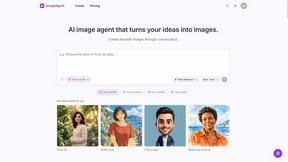
ImageAgent
Create and edit AI images through conversation, using text or reference images and refining results in chat.
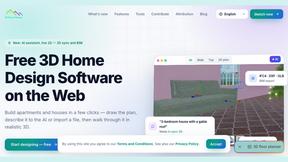
3D House Planner
Free browser-based home design tool: draw a 2D floor plan, see it in 3D, furnish rooms and render it with AI. No install.
GenX
All-in-one AI workspace to generate images, videos, and audio with multiple leading AI models.
AiAgeFilter
Free AI age filter: upload an adult portrait, add 10-40 years, meet your older self. No app needed.
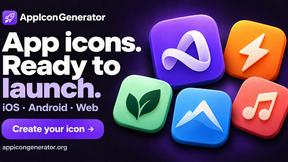
AppIconGenerator
Generate iOS and Android app icons from any image and export all platform sizes for free.

PhotoGenerAI
Browser-based AI photo generation and editing for portraits, product images, background edits and outfit changes.
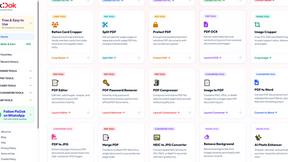
Pixdok
PixDok is your all-in-one free online toolkit for PDF editing, image conversion, background removal, passport photos, and QR codes.
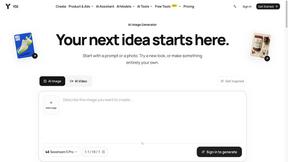
YIX
AI image and video generation, photo editing, restoration and free prompt tools in one browser studio.

Nano AI
Create and edit AI images, generate videos, and compare models in one creative workbench.
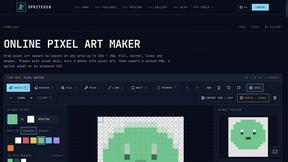
SpriteGen
Create AI pixel-art sprites and animated sprite sheets, refine assets in the editor, and export PNG, GIF, or JSON.

Tip Toe AI
Upload a Dancer photo and a Partner photo and get your own AI Tip Toe barn-dance video. Free 5s preview, 12s HD from $4.90. No subscription.
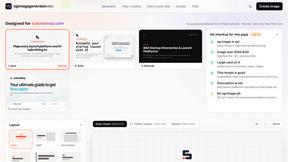
OG Image Generator
Paste a URL and AI designs on-brand Open Graph images from your page's colours, fonts and logo. Free, no sign-up.
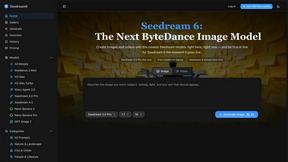
Seedream 6
Independent Seedream 6 guide with a browser-based AI image and video generator powered by Seedream 5.0 Pro and 5.5.
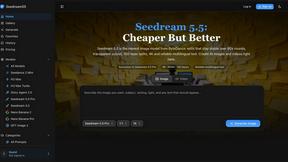
Seedream 5.5
Seedream 5.5 by ByteDance: 80+ rounds of stable image editing, native RGBA transparency, 100-layer splits, 4K output and reliable multilingual text.
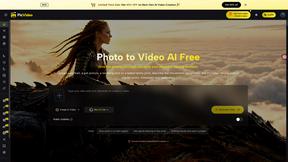
PicVideo
Turn photos into animated videos with AI. Free credits on selected models; paid options for private, watermark-free results.
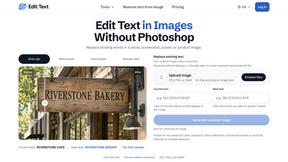
Reword Image
Replace the text already inside a photo or screenshot and keep the original layout, colors and perspective. No design file needed.
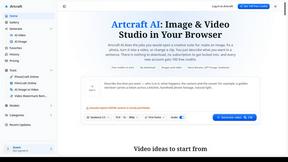
Artcraft AI
AI image and video studio in your browser: generate and edit images, turn photos into videos, edit clips by sentence.
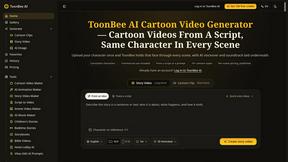
ToonBee AI
ToonBee AI turns a script or a one-line idea into a narrated cartoon video, keeping the same character in every scene. 10+ styles, 16:9 or 9:16.
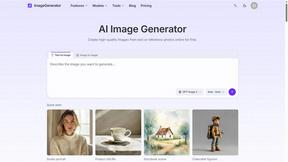
ImageGenerator
Create and edit AI images online with multiple models, text-to-image, image-to-image, background removal, and upscaling.
SightRadar
Face recognition API that is a drop-in replacement for AWS Rekognition. Index, search, compare and detect faces, billed per photo, no subscription.
About Img Editor Alternatives
Img Editor is a leading platform in the image and photo category, specializing in AI-powered creation and editing. It empowers teams to collaborate on turning imaginative ideas into stunning visuals through an intuitive and accessible interface. Users often explore alternatives for various reasons, such as needing different pricing structures, specific advanced features for professional workflows, or compatibility with other platforms in their creative toolkit. It's a natural part of finding the perfect collaborative fit for a project's unique demands. When evaluating other options, it's wise to consider the core needs of your team. Look for synergy between the tool's capabilities and your collaborative goals, balancing factors like creative control, output quality, ease of use, and how well it integrates into your existing creative process.
FAQs about Img Editor Alternatives
What is Img Editor?
Img Editor is a free AI-powered platform that generates and edits images from text descriptions, making visual creation accessible to everyone.
Who is Img Editor for?
It's designed for a diverse community including artists, designers, marketers, and casual creators looking for an intuitive tool to bring ideas to life.
Is Img Editor free?
Yes, Img Editor is entirely free, allowing users to generate up to 10 images daily with opportunities to earn more through engagement.
What are the main features of Img Editor?
Its core features are the AI Image Generation System with Text to Image mode for creating from prompts and Image Editing mode for transforming existing visuals.