
SubtitlesFast
Create and publish stunning subtitles for your videos in minutes with SubtitlesFast's easy-to-use editing app.
VisitPublished on:
August 30, 2025
Pricing:
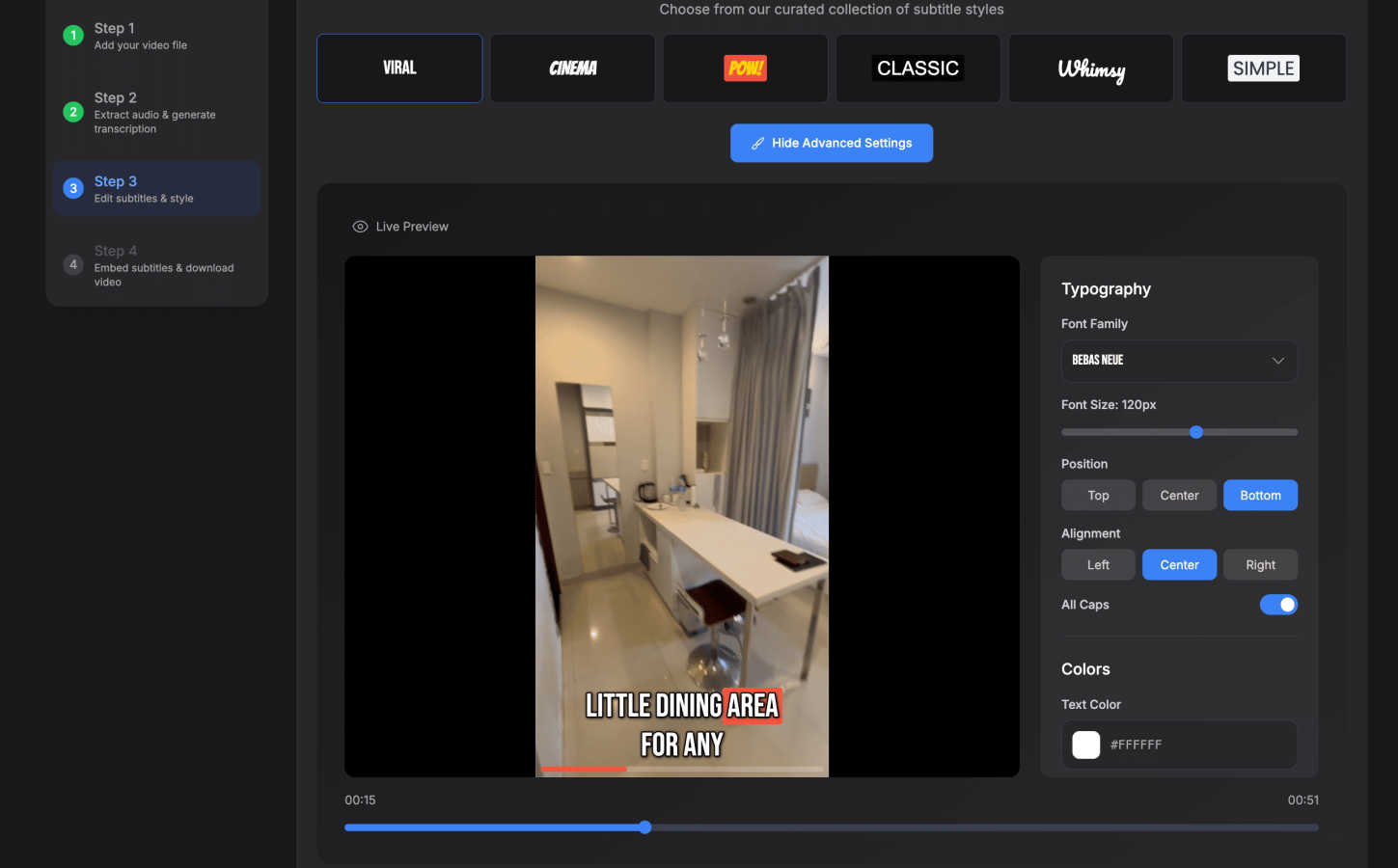
About SubtitlesFast
SubtitlesFast is a cutting-edge, web-based application designed to streamline the process of adding subtitles to videos effortlessly. Targeted at content creators, marketers, and anyone producing video content for platforms such as YouTube, TikTok, and Instagram, it offers a user-friendly interface that simplifies subtitle generation. Users can upload their video files and benefit from automatic audio transcription into text, allowing for quick and accurate subtitle creation. The platform supports over 50 languages, making it accessible to a diverse, global audience. With customizable subtitle styles and animated options to engage viewers, SubtitlesFast enhances video accessibility and viewer interaction. By significantly reducing the time spent on subtitle generation, this tool empowers creators to concentrate on delivering high-quality content without the hassle of complicated software installations. In a world where video content is king, SubtitlesFast provides a vital service that enhances productivity and viewer engagement, making it an essential tool for today's digital creators.
Features of SubtitlesFast
Auto-Transcription
SubtitlesFast employs advanced AI technology to automatically transcribe audio from videos into text. This feature supports over 50 languages, allowing users to reach a wider audience effortlessly. The transcription is accurate and quick, enabling creators to add subtitles without spending hours on manual typing.
Customizable Subtitle Styles
With SubtitlesFast, users can customize the appearance of their subtitles to align with their brand's style. The platform offers over 30 animated styles, ensuring that subtitles are not only readable but also visually appealing. This feature enhances viewer engagement and helps maintain brand consistency across various video platforms.
Simple Editor
The intuitive editor within SubtitlesFast allows users to make quick adjustments to their subtitles. This includes timeline editing, adding text, images, and music, with a straightforward interface that requires no learning curve. Creators can effortlessly refine their videos to achieve the desired look and feel.
One-Click Export
SubtitlesFast simplifies the publishing process with its one-click export feature. After editing, users can download their videos with subtitles burned in, ready for immediate posting on platforms like TikTok, YouTube, and Instagram. This functionality eliminates the need for additional software and allows for a smooth workflow.
Use Cases of SubtitlesFast
Daily Video Creators
Content creators who produce daily videos can benefit immensely from SubtitlesFast. By quickly generating subtitles, they can maintain a consistent posting schedule without sacrificing quality or spending excessive time on editing.
Social Media Marketers
Marketers can leverage SubtitlesFast to enhance their video campaigns by adding engaging subtitles. This feature not only improves accessibility but also increases viewer retention rates, as many users watch videos with sound off on social media platforms.
Educational Content Producers
Educators and trainers can utilize SubtitlesFast to create instructional videos with clear subtitles. This makes the content more accessible to students who may benefit from reading along while listening, thus improving learning outcomes.
Vloggers
Vloggers can streamline their editing process using SubtitlesFast. By adding subtitles quickly and easily, they can focus more on storytelling and less on the technical aspects of video editing, ensuring their content remains engaging and authentic.
Frequently Asked Questions
How does SubtitlesFast transcribe audio?
SubtitlesFast uses advanced AI algorithms to automatically transcribe audio into text. This technology ensures high accuracy and supports over 50 languages, making it accessible to a global audience.
Can I customize the style of my subtitles?
Yes, SubtitlesFast allows users to customize subtitle styles. With over 30 animated styles available, you can tailor the appearance of your subtitles to match your brand's aesthetics.
Is there a trial version available?
SubtitlesFast offers a free trial with no watermarks, allowing users to test the platform's capabilities without any commitment. This gives potential users the opportunity to experience the full functionality of the tool.
Do I need to download any software to use SubtitlesFast?
No, SubtitlesFast is a web-based tool, meaning you can access it directly from your browser without the need for any software downloads. This makes it convenient and easy to use from any device.
Similar to SubtitlesFast

@fuck.it - email with attitude
Private email. Pure. Secure. Exclusive. No ads, no tracking, no data selling. GDPR compliant, EU-hosted.
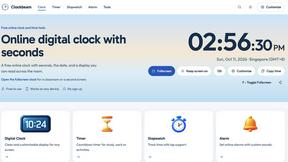

Leadeon
AI growth tool for X and LinkedIn: write posts in your voice, schedule at your best times, find leads on X and see what works.
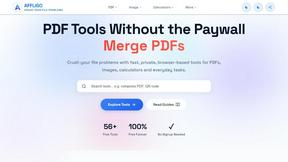
AFFLIGO
AFFLIGO makes everyday file tasks easier with free online tools to compress, convert, edit, and manage PDFs and images.
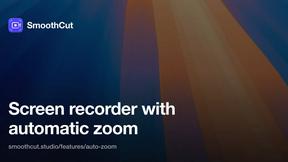
SmoothCut
Screen recorder for macOS and Windows with automatic zooms, a smoothed cursor and on-device captions. Pay once, runs on your computer.
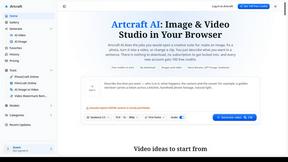
Artcraft AI
AI image and video studio in your browser: generate and edit images, turn photos into videos, edit clips by sentence.
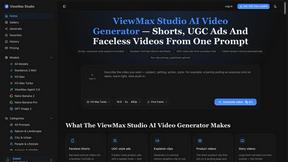
ViewMax Studio
AI video generator that turns one prompt into shorts, UGC-style ads and faceless videos, with script, voiceover and captions.
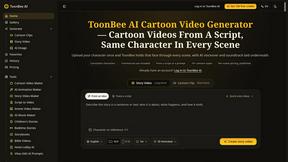
ToonBee AI
ToonBee AI turns a script or a one-line idea into a narrated cartoon video, keeping the same character in every scene. 10+ styles, 16:9 or 9:16.