
SparkPix
SparkPix offers browser based photo restoration, from colorizing old pictures to fixing scratches, creases, and water damage.
Visit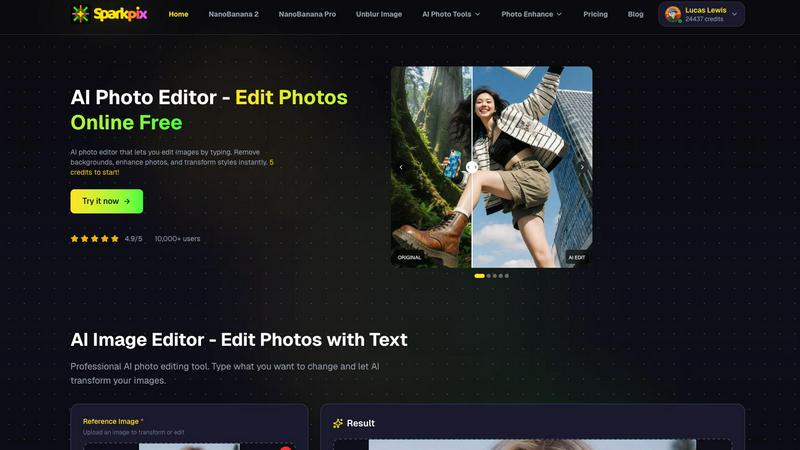
About SparkPix
For someone sorting through a box of damaged family pictures, SparkPix offers a set of restoration actions rather than a single repair button. Its listed tools include colorizing photos, removing scratches, fixing creases, and addressing water damage or yellowing. Users can also upscale or sharpen images, which may help when a restored picture needs to be clearer for sharing.
Pick the repair that matches the damage
The site presents restoration alongside broader editing and AI image tools, so the workflow can extend beyond repair. That range may be useful for occasional photo projects, though people focused only on restoration should consider whether they need the additional tools and credit based usage model. The free tier includes signup credits and daily HD upscales; more use is handled through paid credits or a monthly plan.
Features of SparkPix
- Tools to remove scratches and repair creases
- Options for water damage and yellowed photos
- Photo colorization
- Upscaling and sharpening tools
Use Cases of SparkPix
- Restore faded or yellowed family photographs
- Repair visible scratches or creases
- Improve a damaged scan before sharing it
- Colorize a black and white image
Frequently Asked Questions
What kinds of photo damage does it address?
SparkPix lists tools for scratches, creases, water damage, and yellowed photos.
Can it colorize an old photo?
Yes. Photo colorization is among the restoration tools listed on the site.
Is restoration the only focus?
No. Restoration is one part of a broader photo editing, enhancement, and AI image tool collection.
Pricing of SparkPix
Free tier with 5 signup credits and 2 daily HD upscales; monthly plan is $9.99 for 350 credits. One time credit packs start at $19.99.
Similar to SparkPix

AI Tattoo
Explore tattoo concepts from text or photos, with 12 style choices and downloadable designs to take to a tattoo artist for review.

Design Previewer
Design Previewer adds thumbnails and large previews for design files in Windows File Explorer, helping creative teams find files without opening them.
Drawcil
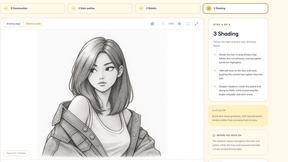
Drawcil makes four-stage drawing lessons from reference photos, with checkpoints for learners practising pencil techniques.

Goshortsai
Goshortsai turns text prompts and still images into AI videos, with motion controls, presets, and daily free credits for image-to-video creation.

VirtualTryOn
Use photo based previews to compare clothing, eyewear, rings and hair ideas, while keeping measurement and real world fit decisions separate.

My Look Story
Explore AI hairstyle previews, create work-ready headshots, and make or edit images in one creative studio.

ImageAgent
ImageAgent lets creators build image variations through chat, starting with a prompt or reference and refining the result across follow-up requests.
AI Age Filter
Turn a consenting adult portrait into a labeled AI aging concept with four increments and a downloadable square PNG.