
ShellReps
ShellReps teaches PowerShell through browser-based terminal labs that pair command walkthroughs with recall challenges and checkpoints.
Visit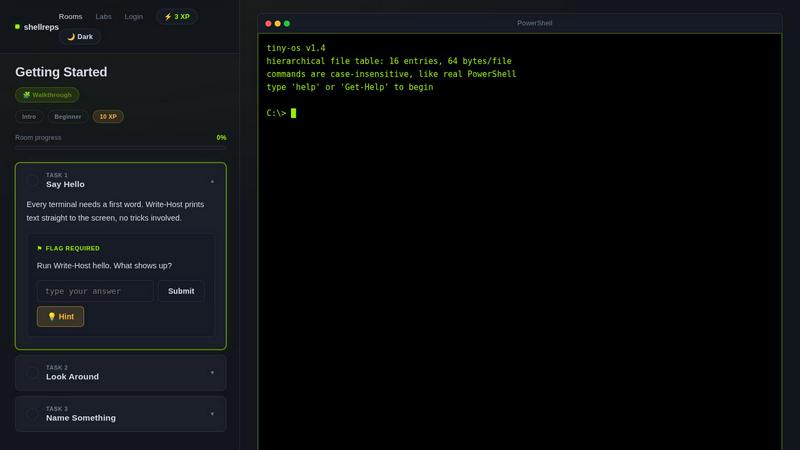
About ShellReps
ShellReps is an online practice environment for learning PowerShell by entering commands in a browser terminal. Its lessons pair a walkthrough that names the command with a challenge that asks the learner to recall it without the prompt. After every four labs, a checkpoint combines earlier material in a scenario without labels.
The format is aimed at learners who want active command practice rather than a sequence of videos or slides. It starts with beginner material and progresses through more advanced labs, with a path from guided examples to independent recall. Because the learning happens in a simulated training room, it is best viewed as a place to practice commands and concepts; the supplied product page does not describe a connection to the learner's own PowerShell environment or a certificate program.
Features of ShellReps
- Browser terminal with no installation required
- Walkthroughs followed by recall challenges
- Checkpoints every four labs
- Content spanning beginner to advanced levels
Use Cases of ShellReps
- Practice PowerShell syntax in short browser sessions
- Review a command, then test recall without on-screen labels
- Reinforce earlier topics through cumulative checkpoints
- Start learning without setting up a local environment
Frequently Asked Questions
Do I need to install PowerShell first?
The product describes a browser terminal with no install required.
How do the labs work?
Each topic pairs a walkthrough naming the command with a challenge that tests recall.
What are the checkpoints for?
Every four labs, a scenario draws on previous topics without labels to prompt independent recall.
Similar to ShellReps

Listmyprod
Listmyprod is a human-reviewed weekly launch platform where founders introduce products, collect upvotes, and retain an AI-readable page.

Infograph
Infograph makes visual stories from text and meeting notes, with rapid diagram mode, multiple exports, and source-checked figures.
Drawcil
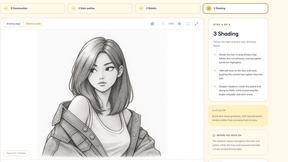
Drawcil makes four-stage drawing lessons from reference photos, with checkpoints for learners practising pencil techniques.
Scientific Figure
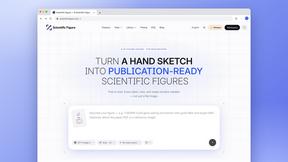
Create editable scientific figures from prompts, sketches, abstracts or papers, then export them in formats suited to research publication.
FresherHub
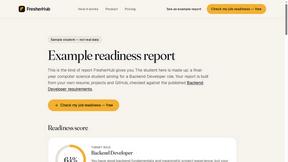
FresherHub evaluates Indian students’ and freshers’ readiness for tech roles and ranks skill gaps and next steps for improvement.
Xue Chinese
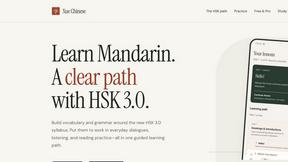
Study HSK 1–3 Mandarin with guided lessons, vocabulary in context, dialogue, listening, and reading practice.

Chinese Idioms Almanac
Explore chengyu with examples and usage notes, then revisit saved idioms offline with flashcards or iPhone and iPad widgets.

GoodOff
GoodOff turns questions and uploaded study materials into AI explanations, practice formats, and flashcards scheduled with spaced repetition.