Genjutsu AI Video Editor
AI video-to-video editor for swapping characters, outfits, objects, and scenes or restyling existing clips.
Visit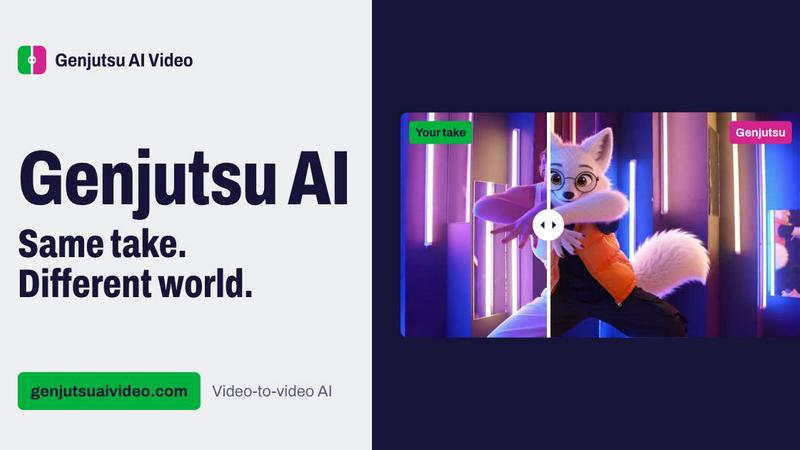
About Genjutsu AI Video Editor
Genjutsu AI lets you transform existing footage with AI. Upload a clip, describe the change, and guide the edit with reference images. Use Swap to replace a person, product, or outfit; Motion Transfer to apply movement to a new subject; or Restyle to change the visual look. Choose Standard or Pro based on the task and budget.
Similar to Genjutsu AI Video Editor

Rhinobird
AI video ads, UGC-style videos, and product visuals for cross-border sellers and e-commerce brands.
Video Meme Generator
Make AI video memes from text, photos or clips, or use a trending template. Free credits to start.
Angry Dance Filter
Upload one photo and get a 15-second angry dance video. Free watermarked preview, then optional one-time video packs.
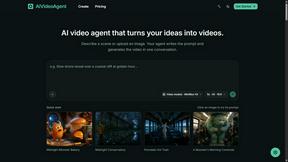
AIVideoAgent
Turn text ideas or reference images into videos through conversation, with agent-assisted prompts and a choice of video models.

Fix Pixelated Videos
AI that fixes pixelated, blocky and blurry videos by rebuilding detail in low-quality clips.
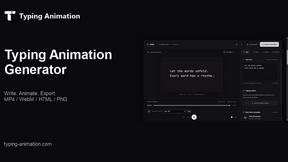
Typing Animation
Create typing animations with custom fonts, timing and sound. Export MP4, transparent WebM, HTML or PNG.