
FileShot
FileShot encrypts files in the browser before upload and offers link sharing, with a free tier and paid plans for larger transfers and added controls.
Visit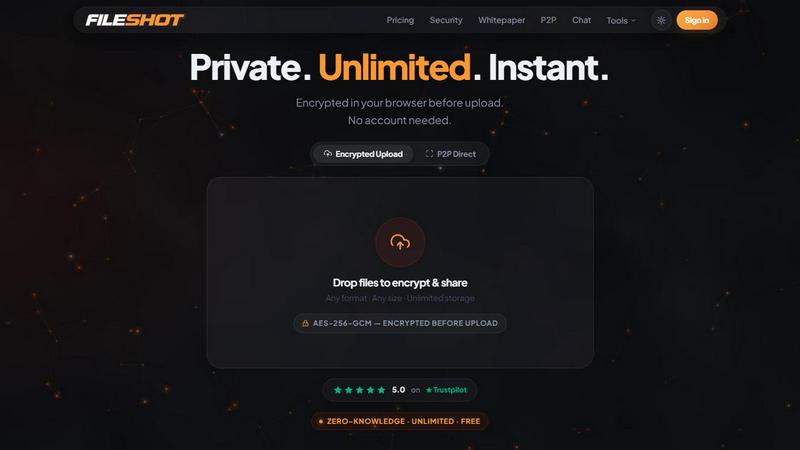
About FileShot
FileShot is a file-sharing service built around client-side encryption. Its site says files are encrypted in the browser with AES-256-GCM before upload, and that decryption keys are kept in the link fragment rather than sent to the server. Sharing can use a hosted link or a direct peer-to-peer transfer; the latter requires both devices to be online at the same time. Upload options include expiry and download limits, and the service also offers an archive builder for bundling files.
The free plan supports files up to 10 GB and 50 GB total storage, while paid tiers raise per-file limits and add options such as an inbox and custom download pages. Choose based on transfer size, retention needs, and whether recipients can use a live peer-to-peer handoff. The desktop app is listed for Windows, macOS, and Linux. As with any secure sharing service, recipients need access to the link and any required password to open a shared file.
Features of FileShot
- Encrypts files in the browser using AES-256-GCM before upload.
- Offers hosted links and direct WebRTC peer-to-peer transfers.
- Supports expiry and download limits, plus single-view burn options.
- Includes an archive builder and desktop apps for major desktop platforms.
Use Cases of FileShot
- Share large files through an encrypted link.
- Transfer a file directly when sender and recipient can be online together.
- Bundle multiple files into one encrypted share.
- Receive files through a personal inbox link on eligible plans.
Frequently Asked Questions
Does FileShot require an account to upload a file?
The site says encrypted uploads can be made without an account. Some options, including custom pages and chat, require sign-in or a paid plan.
What is needed for a peer-to-peer transfer?
Both devices must be online simultaneously, and the network must allow the WebRTC connection.
What does the free plan include?
The listed free plan includes 50 GB total storage, a 10 GB per-file limit, expiry up to 90 days, and unlimited downloads.
Pricing of FileShot
Free plan available. Pro is $10/month, billed monthly; Creator is $24/month and Professional is $38/month. The site also lists annual billing and a first-month promotion.
Explore more in this category:
Similar to FileShot

TrueLaunch
TrueLaunch is a free app and game launch community where developers publish listings, choose launch days, and collect structured reviews.

WeeknightBite
WeeknightBite plans weeknight dinners from tested recipes and builds a shared grocery list for households using iPhone, iPad, or Android.

SmartCV
SmartCV helps job seekers build and edit resumes with AI suggestions, text checks, PDF or DOCX exports, and a built-in application tracker.
Kivloo
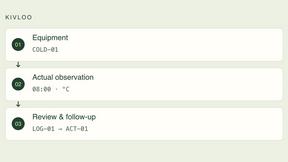
Kivloo puts daily workplace and food safety checks on phones, with searchable records, photos and readings for managers across multiple sites.

ACA
ACA uses AI-assisted workflows to connect lead sourcing, email and LinkedIn outreach, content publishing, and lead capture.

PullClip
PullClip downloads video and audio from supported sites, with trim and frame tools for people saving clips across devices.
Design Previewer
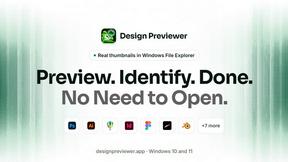
Design Previewer adds thumbnails and large previews for design files in Windows File Explorer, helping creative teams find files without opening them.

Infograph
Infograph makes visual stories from text and meeting notes, with rapid diagram mode, multiple exports, and source-checked figures.