
Clockbeam
A free browser clock with seconds, fullscreen display, timers, alarms, and customizable styles for classrooms and second screens.
Visit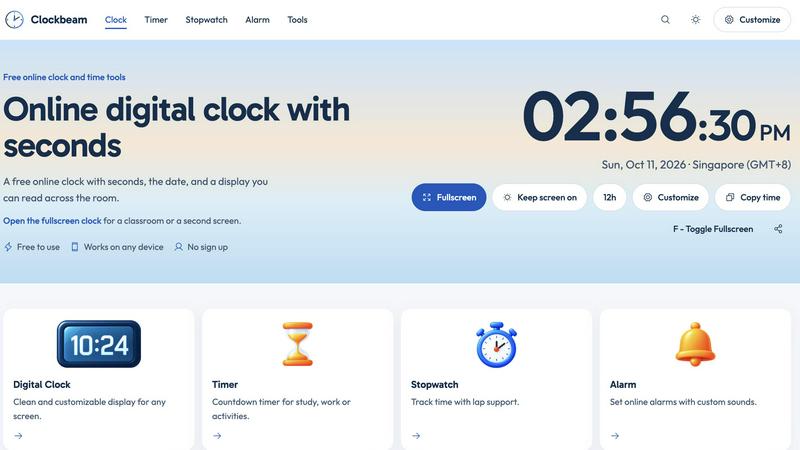
About Clockbeam
Clockbeam puts a readable digital clock in a browser tab, with seconds, the date, and a time-zone label. Its fullscreen view suits a classroom display or a spare screen, while minimal, flip, analog, and scenic styles let the display fit its setting. The same site includes a timer, stopwatch, alarm, world clock, and tools for comparing local times.
Check the device and tab requirements
The clock uses the time on your device rather than a separate synchronization service, so its accuracy depends on that device clock. Saved settings stay in the current browser, and alarms or Pomodoro chimes need the tab open on an awake device. For a wake-up alarm, use a phone alarm instead.
Features of Clockbeam
- Digital clock with seconds, date, and selectable time zone
- Fullscreen view and screen-awake option
- Minimal, flip, analog, and scenic display styles
- Timer, stopwatch, alarm, world clock, and meeting planner
Use Cases of Clockbeam
- Show the time across a classroom or on a second screen
- Keep a browser-based countdown or stopwatch handy while working
- Compare local times across cities before scheduling a meeting
- Choose a clock style that fits a desk or shared display
Frequently Asked Questions
Does Clockbeam use my device's time?
Yes. It follows the device clock and defaults to its time zone; you can choose another zone in Customize.
Will the alarm ring if I close my laptop?
The tab must remain open on an awake device for an alarm or Pomodoro chime. The product recommends a phone alarm for a wake-up.
Are saved settings tied to an account?
No account is required. Settings and named setups are stored in the browser; exporting JSON gives you a copy.
Pricing of Clockbeam
Free to use; no account is required.
Explore more in this category:
Similar to Clockbeam
TrueLaunch
TrueLaunch is a free app and game launch community where developers publish listings, choose launch days, and collect structured reviews.
WeeknightBite
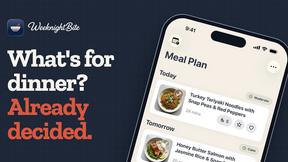
WeeknightBite plans weeknight dinners from tested recipes and builds a shared grocery list for households using iPhone, iPad, or Android.
SmartCV
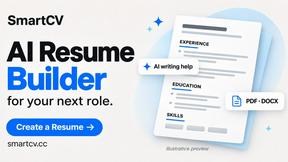
SmartCV helps job seekers build and edit resumes with AI suggestions, text checks, PDF or DOCX exports, and a built-in application tracker.
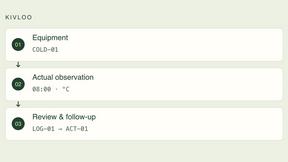
Kivloo
Kivloo puts daily workplace and food safety checks on phones, with searchable records, photos and readings for managers across multiple sites.

ACA
ACA uses AI-assisted workflows to connect lead sourcing, email and LinkedIn outreach, content publishing, and lead capture.
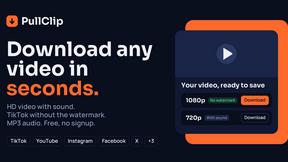
PullClip
PullClip downloads video and audio from supported sites, with trim and frame tools for people saving clips across devices.
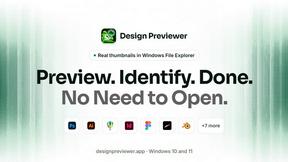
Design Previewer
Design Previewer adds thumbnails and large previews for design files in Windows File Explorer, helping creative teams find files without opening them.
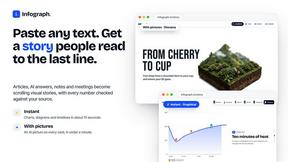
Infograph
Infograph makes visual stories from text and meeting notes, with rapid diagram mode, multiple exports, and source-checked figures.