kling 3 vs Seedream 5.0
Side-by-side comparison to help you choose the right product.

Kling 3 AI effortlessly transforms text and images into stunning 4K videos, empowering creators to produce professional.
Last updated: February 28, 2026

Seedream 5.0
Seedream 5.0 instantly transforms text prompts into stunning 4K images, making creativity effortless and fast.
Last updated: February 28, 2026
Visual Comparison
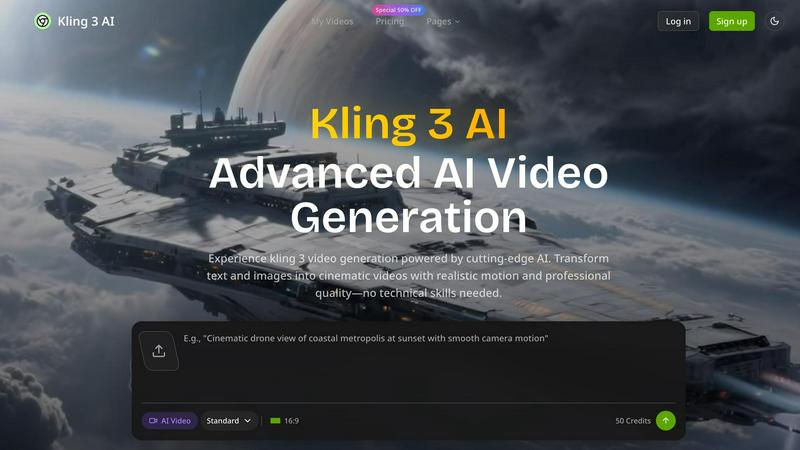
kling 3
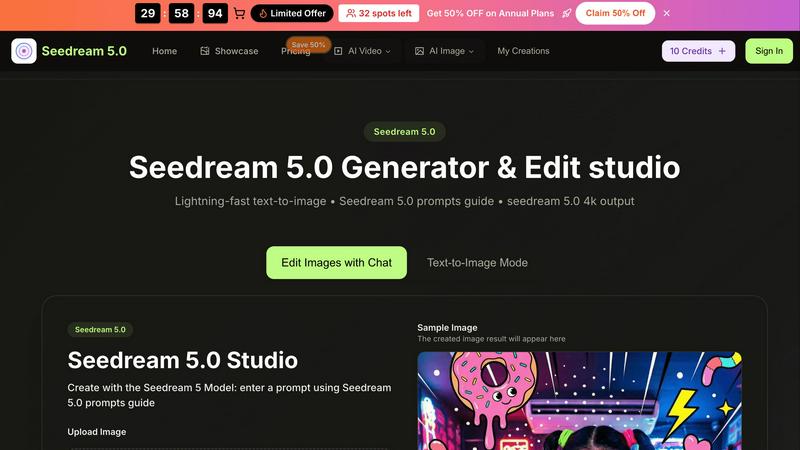
Seedream 5.0
Feature Comparison
kling 3
Advanced AI Motion Control
Kling 3 utilizes sophisticated AI algorithms to manage motion control, enabling users to create dynamic videos with fluid transitions and lifelike movements. This feature enhances visual storytelling by allowing for precise camera trajectories and angles.
Natural Audio Integration
The platform includes advanced audio capabilities that ensure voiceovers and background sounds are seamlessly integrated into videos. This feature enriches the viewer's experience, making the content more engaging and relatable.
Multi-Format Export Options
Kling 3 offers the ability to export videos in various formats optimized for different platforms. Whether for social media, websites, or presentations, users can create content that meets the specific requirements of various channels.
User-Friendly Interface
The intuitive interface of Kling 3 makes it accessible for creators of all skill levels. With easy navigation and straightforward tools, users can focus on crafting their narratives without getting bogged down by complicated software.
Seedream 5.0
Lightning-Fast Text-to-Image Generation
Seedream 5.0 offers instant AI generation that transforms text prompts into images in as little as 2 to 5 seconds. This rapid output enables users to brainstorm and visualize ideas quickly, enhancing creativity and productivity.
Intuitive Image Editing with Natural Language
The platform allows users to edit images using natural language commands. This feature simplifies the editing process, making it accessible for users of all skill levels, from beginners to seasoned professionals.
High-Resolution Outputs
Users can generate images in native 2K resolution, with the option for one-click 4K upscaling. This capability ensures that the visuals produced are of professional quality, suitable for various applications, including print and digital media.
Multi-Image Fusion and Style Transfer
Seedream 5.0 excels in multi-image fusion and style transfer, allowing users to create complex visuals by blending multiple images or applying different artistic styles. This enhances creativity by offering diverse aesthetic options.
Use Cases
kling 3
Marketing Campaigns
Marketing teams can leverage Kling 3 to generate diverse ad variations quickly, allowing for effective A/B testing. This capability enables brands to optimize their campaigns based on real-time feedback and engagement metrics.
Educational Content Creation
Educators and trainers can transform their scripts into engaging visual narratives using Kling 3. By incorporating AI-generated scenes with traditional footage, they can create captivating lessons that enhance learning experiences.
Product Launches
Startup founders can utilize Kling 3 to develop comprehensive launch materials without extensive creative resources. The platform allows for the rapid creation of investor presentations, product demos, and promotional videos, ensuring a polished first impression.
Social Media Content
Content creators can produce high-quality, platform-optimized videos that capture attention on social media. With Kling 3, they can generate engaging content that resonates with their audience, driving higher engagement and shares.
Seedream 5.0
Marketing Campaigns
Marketers can utilize Seedream 5.0 to create eye-catching visuals for promotional materials. The ability to generate high-quality images quickly allows for more dynamic and engaging campaigns that stand out in a crowded marketplace.
Content Creation for Social Media
Content creators can harness the power of Seedream 5.0 to produce unique images tailored to their brand's aesthetic. From Instagram posts to blog graphics, the tool provides a quick way to generate engaging visuals that resonate with audiences.
Storytelling and Character Development
Writers and illustrators can use Seedream 5.0 to develop consistent and lifelike characters across their projects. This feature is particularly useful for graphic novels and digital storytelling, where visual continuity is key to audience engagement.
Educational Materials
Educators can create customized images for presentations, worksheets, and online courses. With Seedream 5.0, they can easily generate visuals that enhance learning experiences and make complex concepts more accessible to students.
Overview
About kling 3
Kling 3 is an advanced AI video generation tool designed to transform text and images into high-quality, professional videos effortlessly. With its cutting-edge technology, Kling 3 caters to a diverse range of users, including marketing professionals, content creators, and startup founders. The platform eliminates the need for technical skills, empowering users to produce cinematic videos that feature realistic motion, natural audio, and stunning 4K resolution. By streamlining the video creation process, Kling 3 enhances productivity and creativity, allowing teams to focus on storytelling and engagement rather than the complexities of video production. Whether for marketing campaigns, educational content, or product launches, Kling 3 is the ultimate solution for anyone looking to elevate their video content to the next level.
About Seedream 5.0
Seedream 5.0 is an innovative AI image generator and editing studio developed by ByteDance, designed to meet the creative needs of a broad audience. Whether you are a professional artist, a content creator, a marketer, or simply a hobbyist, Seedream 5.0 provides the tools you need to create visually stunning images in a matter of seconds. The platform excels in transforming text prompts into beautiful, high-resolution visuals, typically within just 2 to 5 seconds. Its primary value proposition lies in its lightning-fast text-to-image capabilities, which allow users to produce 4K images with intuitive editing features. The built-in Seedream 5.0 prompts guide enhances the user experience by offering suggestions for crafting effective prompts, ensuring that users can achieve their creative visions effortlessly. By combining advanced AI technology with a user-friendly design, Seedream 5.0 stands out as an essential tool for anyone looking to elevate their visual content while saving time and effort.
Frequently Asked Questions
kling 3 FAQ
What types of videos can I create with Kling 3?
Kling 3 allows users to create a wide range of videos, including marketing ads, educational content, product demos, and social media posts, all tailored to specific audience needs.
Do I need technical skills to use Kling 3?
No, Kling 3 is designed to be user-friendly and accessible to everyone, regardless of technical expertise. Its intuitive interface simplifies the video creation process for all users.
Can I integrate my own audio and images?
Yes, Kling 3 supports the integration of custom audio tracks and images, allowing you to personalize your videos and maintain brand consistency across your content.
Is there a limit to the number of videos I can generate?
The platform operates on a credit-based system, where users can generate videos based on the credits they purchase. More credits mean more videos, allowing flexibility in production needs.
Seedream 5.0 FAQ
What formats does Seedream 5.0 support for image uploads?
Seedream 5.0 supports various image formats, including JPG, PNG, and WEBP, with a maximum file size of 10MB. This flexibility allows users to work with different types of images seamlessly.
How does the Seedream 5.0 prompts guide work?
The prompts guide provides users with helpful suggestions for crafting effective text prompts. By recommending details related to colors, lighting, and art styles, it enhances the quality of the generated images.
Can I use Seedream 5.0 for free?
Yes, Seedream 5.0 offers a free trial option, allowing users to explore its features and capabilities before committing to a subscription. This makes it accessible for those who wish to test the platform.
Is there a limit to the number of images I can generate?
While specific limits may vary based on the chosen plan, Seedream 5.0 generally allows for a generous number of image generations. Users can create a multitude of visuals to support their projects and creative endeavors.
Alternatives
kling 3 Alternatives
Kling 3 is an innovative AI-driven tool that enables users to create stunning professional videos from text, placing it firmly within the design tools category. With its advanced motion control and natural audio capabilities, Kling 3 stands out by delivering high-quality videos in 4K resolution. This technology represents a significant leap forward in video generation, making it accessible to a broader audience. Users often seek alternatives to Kling 3 for various reasons, including pricing considerations, specific feature sets, and compatibility with different platforms. When exploring alternatives, it is essential to evaluate factors such as the ease of use, quality of output, and the range of functionalities offered. Additionally, considering customer support and community engagement can enhance the overall experience when choosing the right tool for video creation.
Seedream 5.0 Alternatives
Seedream 5.0 is an advanced AI image generator and editing studio that falls within the design tools category. Developed by ByteDance, it allows users to create high-quality 4K visuals from text prompts in just a matter of seconds. Despite its impressive capabilities, users often seek alternatives due to various reasons, such as pricing, specific feature needs, or compatibility with their preferred platforms. As the landscape of AI image generation continually evolves, it's essential for users to explore alternatives that align more closely with their unique requirements and working styles. When selecting an alternative to Seedream 5.0, users should consider several factors. These include the speed of image generation, the quality of output, and any additional features that may enhance their creative process. It's also important to evaluate user experience and the level of support provided by the tool, ensuring it meets individual or team collaboration needs effectively. By taking these aspects into account, users can find a solution that complements their artistic vision and workflow seamlessly.