

Alternatives to VideoAny
Let’s team up to create stunning AI videos, images, and audio from text or images all in one powerful creative studio.
20 alternatives found
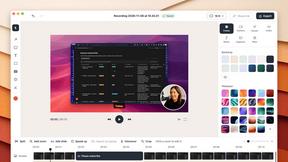
ScreenOtter
A Mac app for screen recordings and screenshots. A zoom on every click, captions made on your Mac, and eight camera layouts. Free to use, pay once.
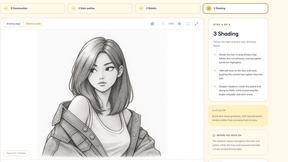

AI Tiny Desk
Make a 19-second desk-concert video with lead and sax, full band, Halloween or pet-band modes; audio and silent MP4.

Goshortsai
Turn still photos and text prompts into AI videos with Goshortsai. Claim daily free credits to animate portraits, products, and scenes online.

VirtualTryOn
Try on clothes, glasses, rings, hairstyles, and hair colors on your own photos with AI.

MyLookStory
AI hairstyle try-on, photo editing, image generation and short videos in one workspace.

ScaleReach
AI video clipper that finds the best moments, adds captions and schedules clips to TikTok, Reels and Shorts. 100 free minutes.


Cardify
Markdown becomes share-ready knowledge cards: 30+ themes shown side by side, live preview, PNG/SVG/PDF batch export.
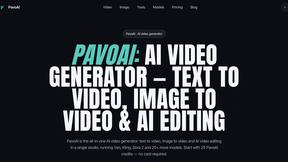
PavoAI
All-in-one AI video creation platform for text-to-video, image-to-video, editing, avatars, music, subtitles, and upscaling.
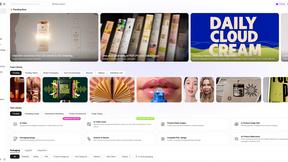
Rhinobird
AI video ads, UGC-style videos, and product visuals for cross-border sellers and e-commerce brands.
Denoisa
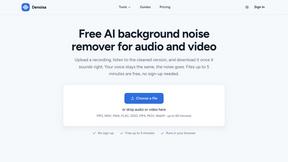
AI background noise remover for audio and video. Files up to 5 minutes are free with no sign-up; the standard cleanup runs in your browser.
Video Meme Generator
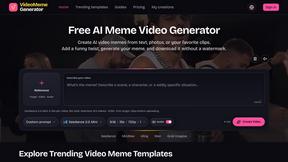
Make AI video memes from text, photos or clips, or use a trending template. Free credits to start.
Angry Dance Filter
Upload one photo and get a 15-second angry dance video. Free watermarked preview, then optional one-time video packs.
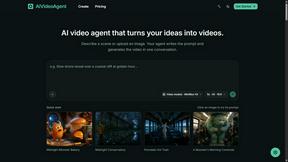
AIVideoAgent
Turn text ideas or reference images into videos through conversation, with agent-assisted prompts and a choice of video models.

Fix Pixelated Videos
AI that fixes pixelated, blocky and blurry videos by rebuilding detail in low-quality clips.

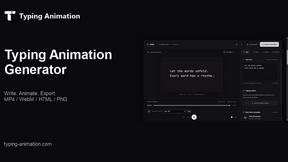
Typing Animation
Create typing animations with custom fonts, timing and sound. Export MP4, transparent WebM, HTML or PNG.
About VideoAny Alternatives
VideoAny serves as a comprehensive all-in-one creative studio that leverages artificial intelligence to generate videos, images, and audio from simple text prompts or existing images. It sits squarely within the Content Creation and Video categories, offering a unified workflow for creators who want to produce multimedia assets without juggling multiple separate tools. Users commonly begin searching for alternatives due to specific needs such as more granular pricing tiers, a desire for a particular output style or quality, or the need for deeper integration with their existing production pipelines. Others might find that their platform requirements, like team collaboration features or batch processing capabilities, aren’t fully met by the current offering. When evaluating an alternative, your team should focus on finding a platform that fosters a cooperative workflow, allowing seamless synergy between video, image, and audio generation. Look for solutions that offer flexible credit systems or transparent subscription models to match your usage volume, as well as robust export options and API access for scaling production. It is also vital to assess how well the tool supports iterative feedback loops, enabling team members to refine outputs together. By prioritizing a solution that aligns with your group’s specific creative process and budget, you can ensure a more cohesive and productive content creation experience.
FAQs about VideoAny Alternatives
What is VideoAny?
VideoAny is an all-in-one AI creative studio designed to generate videos, images, and audio from text or image inputs. It combines multiple content creation capabilities into a single platform, allowing users to turn ideas into finished multimedia assets without switching between different tools. The platform is built to support flexible workflows for both individual creators and collaborative teams.
Who is VideoAny for?
VideoAny is ideal for content creators, marketers, social media managers, and small business teams who need to quickly produce professional-looking videos, images, and audio. It serves anyone looking to streamline their creative process by consolidating AI-powered media generation into one workspace. The tool is particularly useful for teams that value collaborative synergy and want to maintain a unified brand voice across different content formats.
Is VideoAny free?
VideoAny offers free starter credits to new users, allowing them to explore the platform and generate content without an initial financial commitment. After the starter credits are used, users can purchase additional credits or choose a flexible subscription plan that fits their production needs. This model makes it easy for teams to test the workflow before scaling up their usage.
What are the main features of VideoAny?
VideoAny provides AI-powered generation for videos, images, and audio all within one creative studio. Key features include turning text or images into videos, creating custom AI images, and producing audio assets. The platform supports flexible workflows with free starter credits, making it easy to experiment and iterate on content as a team.