

Alternatives to Seedream 5.0 AI
Seedream 5.0 AI creates stunning 2K images and cinematic videos from text prompts, enhancing creativity and visual.
20 alternatives found
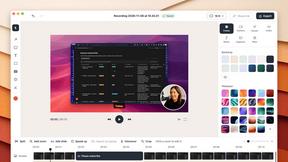
ScreenOtter
A Mac app for screen recordings and screenshots. A zoom on every click, captions made on your Mac, and eight camera layouts. Free to use, pay once.
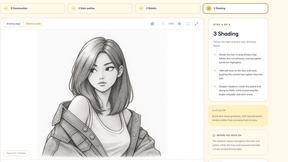

AI Tiny Desk
Make a 19-second desk-concert video with lead and sax, full band, Halloween or pet-band modes; audio and silent MP4.

Goshortsai
Turn still photos and text prompts into AI videos with Goshortsai. Claim daily free credits to animate portraits, products, and scenes online.

VirtualTryOn
Try on clothes, glasses, rings, hairstyles, and hair colors on your own photos with AI.

MyLookStory
AI hairstyle try-on, photo editing, image generation and short videos in one workspace.

ScaleReach
AI video clipper that finds the best moments, adds captions and schedules clips to TikTok, Reels and Shorts. 100 free minutes.

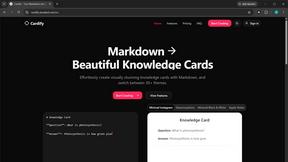
Cardify
Markdown becomes share-ready knowledge cards: 30+ themes shown side by side, live preview, PNG/SVG/PDF batch export.
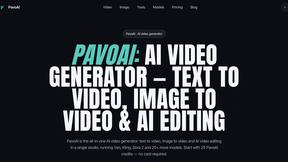
PavoAI
All-in-one AI video creation platform for text-to-video, image-to-video, editing, avatars, music, subtitles, and upscaling.
Rhinobird
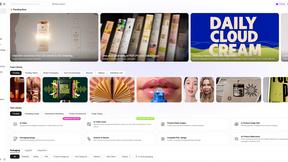
AI video ads, UGC-style videos, and product visuals for cross-border sellers and e-commerce brands.

Video Meme Generator
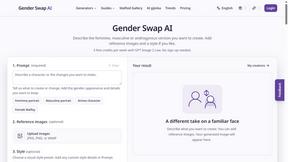
Make AI video memes from text, photos or clips, or use a trending template. Free credits to start.
Angry Dance Filter
Upload one photo and get a 15-second angry dance video. Free watermarked preview, then optional one-time video packs.
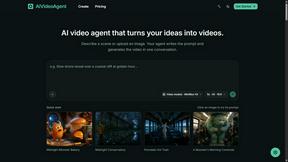
AIVideoAgent
Turn text ideas or reference images into videos through conversation, with agent-assisted prompts and a choice of video models.
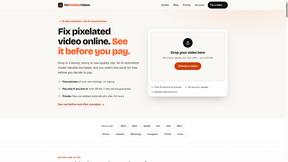
Fix Pixelated Videos
AI that fixes pixelated, blocky and blurry videos by rebuilding detail in low-quality clips.

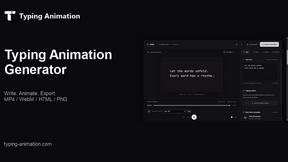
Typing Animation
Create typing animations with custom fonts, timing and sound. Export MP4, transparent WebM, HTML or PNG.
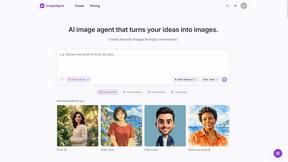
ImageAgent
Create and edit AI images through conversation, using text or reference images and refining results in chat.
About Seedream 5.0 AI Alternatives
Seedream 5.0 AI is a state-of-the-art image generator that falls within the category of advanced AI-driven visual creation tools. With its ability to produce stunning 2K photorealistic images from text prompts, it has captured the attention of creators, designers, and teams seeking to enhance their visual projects. However, users often explore alternatives due to various reasons, including pricing structures, specific feature sets, and compatibility with different platforms. When searching for alternatives, it’s essential to consider factors such as ease of use, quality of output, and the range of customization options available. Additionally, evaluating the support and community surrounding the tool can provide insights into its effectiveness in meeting collaborative goals. By keeping these aspects in mind, users can find tools that align better with their unique needs and creative workflows.
FAQs about Seedream 5.0 AI Alternatives
What is Seedream 5.0 AI?
Seedream 5.0 AI is a powerful image generator that creates photorealistic 2K visuals from text prompts.
Who is Seedream 5.0 AI for?
Seedream 5.0 AI is designed for creators, designers, and teams looking to produce professional-quality images quickly.
Is Seedream 5.0 AI free?
Seedream 5.0 AI is currently offered at a limited-time 50% discount, but it is not stated whether a free version is available.
What are the main features of Seedream 5.0 AI?
Key features include advanced AI for prompt interpretation, the generation of high-resolution 2K images, and the ability to create intricate details and realistic textures.