

Alternatives to RemoveTexts
Together, we can instantly erase any text from your images using our simple, AI-powered tool.
20 alternatives found
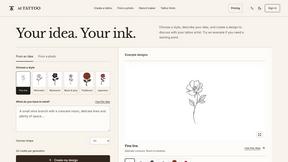
AI Tattoo
Describe an idea or upload a reference photo. Explore tattoo styles, refine your design, and download the result to discuss with your artist.
Design Previewer
Design Previewer displays thumbnails of professional design files directly in Windows File Explorer, helping designers find projects without opening.
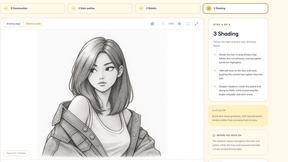
Goshortsai
Turn still photos and text prompts into AI videos with Goshortsai. Claim daily free credits to animate portraits, products, and scenes online.
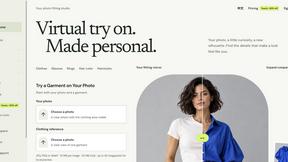
VirtualTryOn
Try on clothes, glasses, rings, hairstyles, and hair colors on your own photos with AI.
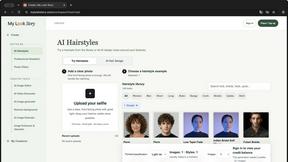
MyLookStory
AI hairstyle try-on, photo editing, image generation and short videos in one workspace.
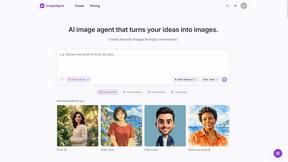
ImageAgent
Create and edit AI images through conversation, using text or reference images and refining results in chat.
AiAgeFilter
Free AI age filter: upload an adult portrait, add 10-40 years, meet your older self. No app needed.

AppIconGenerator
Generate iOS and Android app icons from any image and export all platform sizes for free.

PhotoGenerAI
Browser-based AI photo generation and editing for portraits, product images, background edits and outfit changes.

Pixdok
PixDok is your all-in-one free online toolkit for PDF editing, image conversion, background removal, passport photos, and QR codes.
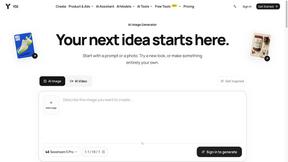
YIX
AI image and video generation, photo editing, restoration and free prompt tools in one browser studio.
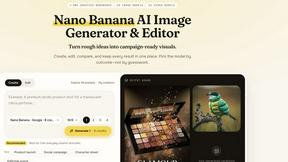
Nano AI
Create and edit AI images, generate videos, and compare models in one creative workbench.

Tip Toe AI
Upload a Dancer photo and a Partner photo and get your own AI Tip Toe barn-dance video. Free 5s preview, 12s HD from $4.90. No subscription.
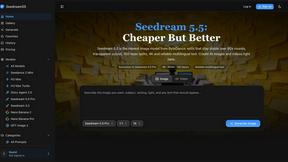
Seedream 5.5
Seedream 5.5 by ByteDance: 80+ rounds of stable image editing, native RGBA transparency, 100-layer splits, 4K output and reliable multilingual text.

PicVideo
Turn photos into animated videos with AI. Free credits on selected models; paid options for private, watermark-free results.
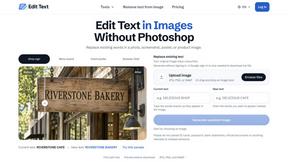
Reword Image
Replace the text already inside a photo or screenshot and keep the original layout, colors and perspective. No design file needed.
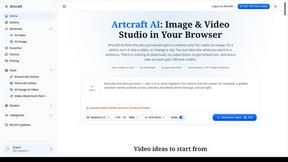
Artcraft AI
AI image and video studio in your browser: generate and edit images, turn photos into videos, edit clips by sentence.
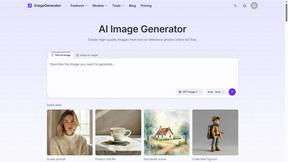
ImageGenerator
Create and edit AI images online with multiple models, text-to-image, image-to-image, background removal, and upscaling.
SightRadar
Face recognition API that is a drop-in replacement for AWS Rekognition. Index, search, compare and detect faces, billed per photo, no subscription.
About RemoveTexts Alternatives
RemoveTexts is a specialized AI-powered image editing tool designed to quickly and effortlessly remove unwanted text from any image. It falls into the category of automated photo cleanup and inpainting software, offering a streamlined alternative to complex programs like Photoshop. Users often seek out different tools to find the perfect fit for their specific workflow and needs. Common reasons for exploring other options include varying budget constraints, the need for different feature sets like object removal or background generation, and compatibility with specific operating systems or platforms. Some teams may require different collaboration features or integration capabilities that better suit their project management style. When evaluating other solutions, it's wise to consider the core AI technology's accuracy, the speed of processing, output quality, and overall ease of use. The goal is to find a tool that integrates seamlessly with your team's creative process, enhancing productivity through intuitive design and reliable performance, ensuring everyone can contribute effectively to the final visual asset.
FAQs about RemoveTexts Alternatives
What is RemoveTexts?
RemoveTexts is an AI-powered image editing tool that detects and removes unwanted text, watermarks, or objects from any image in seconds, seamlessly reconstructing the background.
Who is RemoveTexts for?
It's designed for creators, marketers, and designers who need to quickly clean images, remove watermarks from screenshots, or erase text without using complex software like Photoshop.
Is RemoveTexts free?
The provided content does not specify pricing; you would need to check their official website for current plans, free trials, or subscription details.
What are the main features of RemoveTexts?
Key features include Paint to Remove for precision, Auto Remove All text, Edit & Replace Text, object removal, and support for over 50 languages with 4K output quality.