

Alternatives to Kling 5.0
Kling 5.0 is your collaborative AI partner for creating cinematic 4K videos from text with consistent characters and native audio.
20 alternatives found
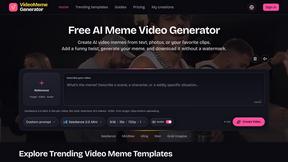
Video Meme Generator
Make AI video memes from text, photos or clips, or use a trending template. Free credits to start.
Angry Dance Filter
Upload one photo and get a 15-second angry dance video. Free watermarked preview, then optional one-time video packs.
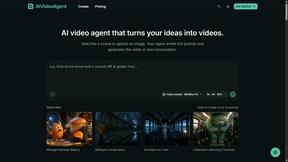
AIVideoAgent
Turn text ideas or reference images into videos through conversation, with agent-assisted prompts and a choice of video models.
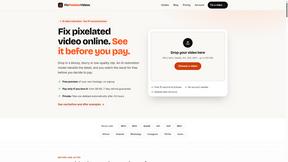
Fix Pixelated Videos
AI that fixes pixelated, blocky and blurry videos by rebuilding detail in low-quality clips.
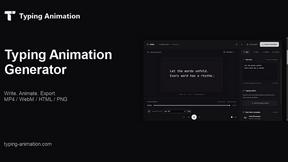
Typing Animation
Create typing animations with custom fonts, timing and sound. Export MP4, transparent WebM, HTML or PNG.
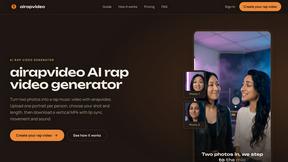
airapvideo
AI rap video generator that turns two portraits into a short vertical, lip-synced music video for TikTok, Reels, Shorts, celebrations, or fun.
GenX
All-in-one AI workspace to generate images, videos, and audio with multiple leading AI models.
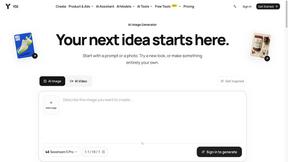
YIX
AI image and video generation, photo editing, restoration and free prompt tools in one browser studio.
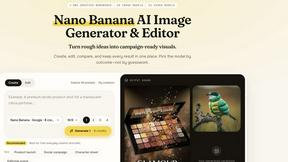
Nano AI
Create and edit AI images, generate videos, and compare models in one creative workbench.

Tip Toe AI
Upload a Dancer photo and a Partner photo and get your own AI Tip Toe barn-dance video. Free 5s preview, 12s HD from $4.90. No subscription.
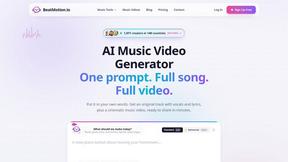
BeatMotion
Turn a text prompt, your lyrics, or a photo into an original song with vocals plus a cinematic AI music video, ready to share in minutes.

Ozil Goal AI
Turn one photo into the viral Özil goal meme video: you, your dog, a toy or a drawing scores. Free 5s preview, 10s 720p from $4.90. No subscription.
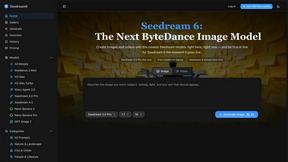
Seedream 6
Independent Seedream 6 guide with a browser-based AI image and video generator powered by Seedream 5.0 Pro and 5.5.
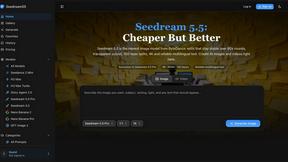
Seedream 5.5
Seedream 5.5 by ByteDance: 80+ rounds of stable image editing, native RGBA transparency, 100-layer splits, 4K output and reliable multilingual text.
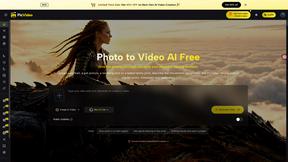
PicVideo
Turn photos into animated videos with AI. Free credits on selected models; paid options for private, watermark-free results.
SmoothCut
Screen recorder for macOS and Windows with automatic zooms, a smoothed cursor and on-device captions. Pay once, runs on your computer.
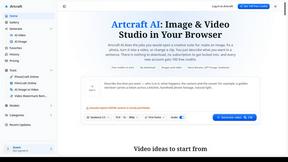
Artcraft AI
AI image and video studio in your browser: generate and edit images, turn photos into videos, edit clips by sentence.
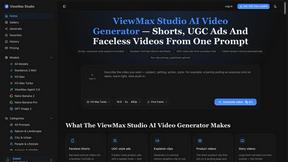
ViewMax Studio
AI video generator that turns one prompt into shorts, UGC-style ads and faceless videos, with script, voiceover and captions.
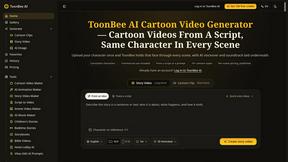
ToonBee AI
ToonBee AI turns a script or a one-line idea into a narrated cartoon video, keeping the same character in every scene. 10+ styles, 16:9 or 9:16.
About Kling 5.0 Alternatives
Kling 5.0 is a prominent player in the AI video generation space, a category of tools designed to create video content directly from text prompts. It's known for producing high-quality videos with realistic motion, making it a powerful option for teams looking to streamline their video production workflow. Teams often explore alternatives for various reasons. A tool's pricing structure might not align with a collaborative budget, or its specific feature set may not fully support a project's unique creative or technical requirements. Platform compatibility and the need for different styles of output can also drive the search for a solution that better fits a team's collective workflow. When evaluating other options, it's wise for a team to consider a few key areas together. Look at the core video generation quality, the flexibility of the platform for team collaboration, and how well it integrates with your existing tools. Finding a solution that complements your team's synergy is crucial for seamless creative cooperation.
FAQs about Kling 5.0 Alternatives
What is Kling 5.0?
Kling 5.0 is an advanced AI-powered video generation tool that transforms simple text descriptions into professional-quality videos with realistic motion and cinematic effects.
Who is Kling 5.0 for?
It is designed for content creators, marketers, and businesses that need to produce engaging video content quickly without requiring extensive video editing skills.
What are the main features of Kling 5.0?
Its main features include advanced motion synthesis, visual rendering capabilities for realistic animations, and the ability to create smooth transitions and cinematic effects from text.
Why choose Kling 5.0?
Teams choose Kling 5.0 for its ability to rapidly generate high-quality, professional video content from text, streamlining the production process and enabling faster content creation.