

Alternatives to Flipbook Page
Discover endless insights as Flipbook Page transforms your queries or images into immersive, pixel-level visual explorations.
20 alternatives found
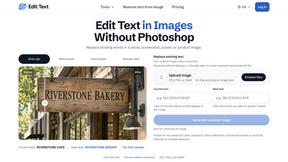
Reword Image
Replace the text already inside a photo or screenshot and keep the original layout, colors and perspective. No design file needed.
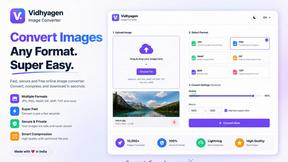
VidhyaGen - Image Converter
All-in-one digital toolkit for effortless image conversion, compression, resizing, and everyday file utilities in a single place.
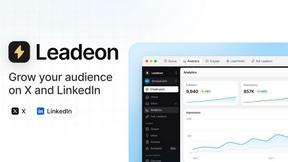
Leadeon
AI growth tool for X and LinkedIn: write posts in your voice, schedule at your best times, find leads on X and see what works.
AFFLIGO
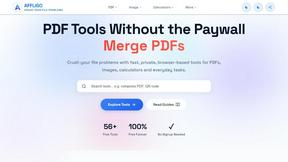
AFFLIGO makes everyday file tasks easier with free online tools to compress, convert, edit, and manage PDFs and images.
mcpfolio
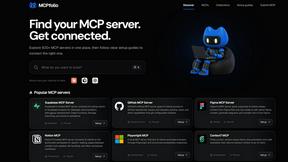
Discover MCP servers, compare tools, and follow setup guides to connect AI assistants to your apps and workflows
Riff
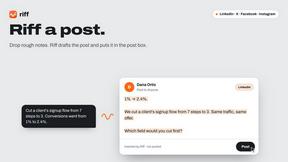
Riff writes replies, DMs and posts with Gemini Nano inside Chrome. Runs on your computer, no account or API key, and never posts for you.
Artcraft AI
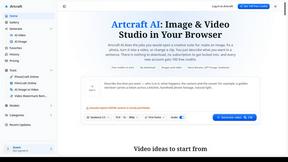
AI image and video studio in your browser: generate and edit images, turn photos into videos, edit clips by sentence.
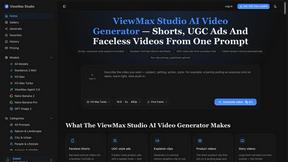
ViewMax Studio
AI video generator that turns one prompt into shorts, UGC-style ads and faceless videos, with script, voiceover and captions.
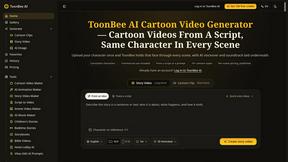
ToonBee AI
ToonBee AI turns a script or a one-line idea into a narrated cartoon video, keeping the same character in every scene. 10+ styles, 16:9 or 9:16.
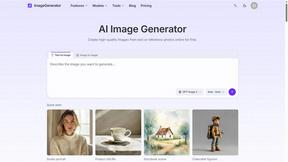
ImageGenerator
Create and edit AI images online with multiple models, text-to-image, image-to-image, background removal, and upscaling.
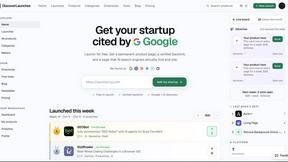
DiscoverLaunches
DiscoverLaunches is a weekly launch board for indie makers and SaaS founders. Paste your URL and AI fills in your listing. Every product gets a perman
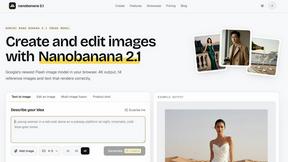
nanobanana 21
Fast, simple image creation and editing with accurate details, readable text, consistent characters, and up to 14 reference images.

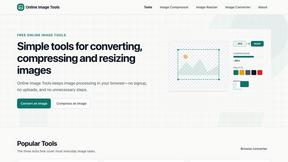
SnappyKit
40+ free image tools that run in your browser — convert, compress, resize and edit JPG, PNG, WebP, AVIF and HEIC files. No uploads, no sign-up.
Genjutsu AI
Genjutsu AI turns your ideas into cinematic videos, product ads, social media shorts, and high-quality images in minutes. Choose a model, describe you
About Flipbook Page Alternatives
Flipbook Page is an innovative AI-native infinite visual browser that generates pixel-level visual pages in real-time on any topic. This tool falls under the categories of AI Assistants, Content Creation, Design Tools, and Image Generation, making it a versatile resource for users in various fields such as education, research, creative ideation, and visual storytelling. The ability to click on objects within the generated images allows users to explore subjects in depth, creating a rich, interactive learning experience. Many users seek alternatives to Flipbook Page for a variety of reasons, including pricing concerns, specific feature requirements, or compatibility with their existing platforms. When choosing an alternative, it is essential to consider factors like ease of use, the range of features offered, customization options, and the overall user experience. Additionally, evaluating the level of support and community engagement around the alternative can greatly enhance the collaborative potential of the tool, helping teams to work more effectively together.
FAQs about Flipbook Page Alternatives
What is Flipbook Page?
Flipbook Page is an AI-native infinite visual browser that generates detailed pixel-level visual pages in real-time based on any topic entered by the user. This innovative tool allows for an interactive exploration of subjects, transforming them into clickable and explorable visual atlases, which enhances understanding and engagement.
Who is Flipbook Page for?
Flipbook Page is designed for a diverse audience, including educators, researchers, creatives, and anyone interested in visual storytelling. It caters to individuals and teams looking to delve deeper into topics through visual exploration, making it an invaluable resource for collaborative projects and knowledge sharing.
Is Flipbook Page free?
While specific pricing details may vary, Flipbook Page typically offers a range of pricing options to accommodate different user needs. It is advisable to check the official website for the most current information regarding any free trials, subscription models, or premium features that may be available.
What are the main features of Flipbook Page?
The main features of Flipbook Page include its ability to generate pixel-level visual pages in real-time, interactive clickable objects within the images, and the capacity to explore any topic in depth. These features collectively foster an engaging learning environment and promote creative ideation, making it an effective tool for various applications.