

Alternatives to BlitzCut
Blitzcut is your AI editing partner that removes silence and adds captions so you can post videos faster together.
20 alternatives found
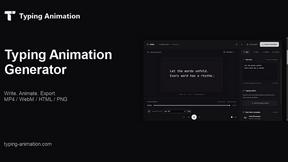
Typing Animation
Create typing animations with custom fonts, timing and sound. Export MP4, transparent WebM, HTML or PNG.
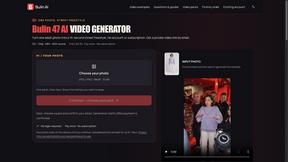
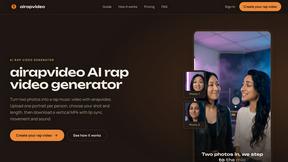
airapvideo
AI rap video generator that turns two portraits into a short vertical, lip-synced music video for TikTok, Reels, Shorts, celebrations, or fun.
GenX
All-in-one AI workspace to generate images, videos, and audio with multiple leading AI models.
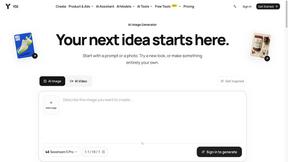
YIX
AI image and video generation, photo editing, restoration and free prompt tools in one browser studio.

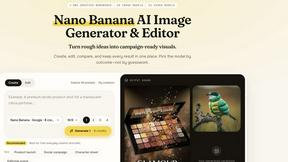
Nano AI
Create and edit AI images, generate videos, and compare models in one creative workbench.

BuildingNow Podcast
BuildingNow shares founder conversations and practical lessons on building products, finding customers, and growing a business.

Tip Toe AI
Upload a Dancer photo and a Partner photo and get your own AI Tip Toe barn-dance video. Free 5s preview, 12s HD from $4.90. No subscription.
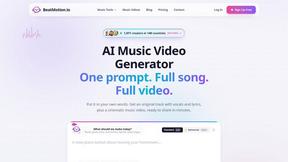
BeatMotion
Turn a text prompt, your lyrics, or a photo into an original song with vocals plus a cinematic AI music video, ready to share in minutes.

Ozil Goal AI
Turn one photo into the viral Özil goal meme video: you, your dog, a toy or a drawing scores. Free 5s preview, 10s 720p from $4.90. No subscription.
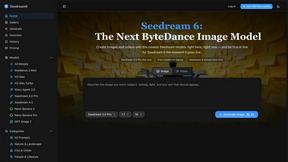
Seedream 6
Independent Seedream 6 guide with a browser-based AI image and video generator powered by Seedream 5.0 Pro and 5.5.
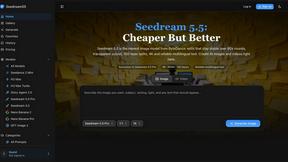
Seedream 5.5
Seedream 5.5 by ByteDance: 80+ rounds of stable image editing, native RGBA transparency, 100-layer splits, 4K output and reliable multilingual text.
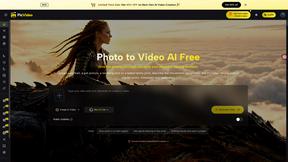
PicVideo
Turn photos into animated videos with AI. Free credits on selected models; paid options for private, watermark-free results.
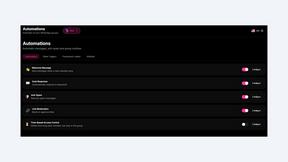
9bot
WhatsApp group bot for moderation, automation and reports: welcomes, anti-spam, link filtering, scheduling, RSS and live alerts.

SaaSHunter
Compare social media scheduling, content creation and monetization tools with verified pricing and side-by-side comparisons.

Posy
A link-in-bio page that looks hand-made. Pick a look, add your links and publish in a minute. Free, open source, and your AI can edit it for you.

Leadeon
AI growth tool for X and LinkedIn: write posts in your voice, schedule at your best times, find leads on X and see what works.
About BlitzCut Alternatives
BlitzCut is an AI-powered video editor designed for content creators who need to produce social media videos quickly. It belongs to the category of automated, mobile-first editing tools that prioritize speed and simplicity, using artificial intelligence to handle time-consuming tasks like cutting silences and adding captions. Users often explore alternatives for various reasons. Some may be looking for different pricing models or subscription tiers, while others might need specific advanced features, integrations, or support for different operating systems beyond the Apple ecosystem. It's a natural part of finding the right tool that aligns with both a creator's workflow and budget. When evaluating other options, it's wise to consider a few key factors. Look at the core automation capabilities, especially for silence removal and transcription accuracy. The overall speed of the workflow from import to export is crucial for daily posting. Finally, assess the platform compatibility and whether the tool's design philosophy supports your creative process by handling the tedious work, allowing you to focus on the content itself.
FAQs about BlitzCut Alternatives
What is BlitzCut?
BlitzCut is an AI-powered video editor that automatically removes silences, transcribes speech, and burns styled subtitles to help creators make viral social media videos fast.
Who is BlitzCut for?
BlitzCut is built for content creators in the social media economy who need to edit and post videos daily and want to minimize tedious manual editing work.
What are the main features of BlitzCut?
The main features are automatic silence removal, AI-generated captions with high accuracy, text-based editing from a transcript, and a complete mobile-first workflow.
Why choose BlitzCut?
Choose BlitzCut to automate manual editing tasks, reducing total editing time to about 2 minutes per video to make daily content creation sustainable.