DR Checker vs SERPView
Side-by-side comparison to help you choose the right product.

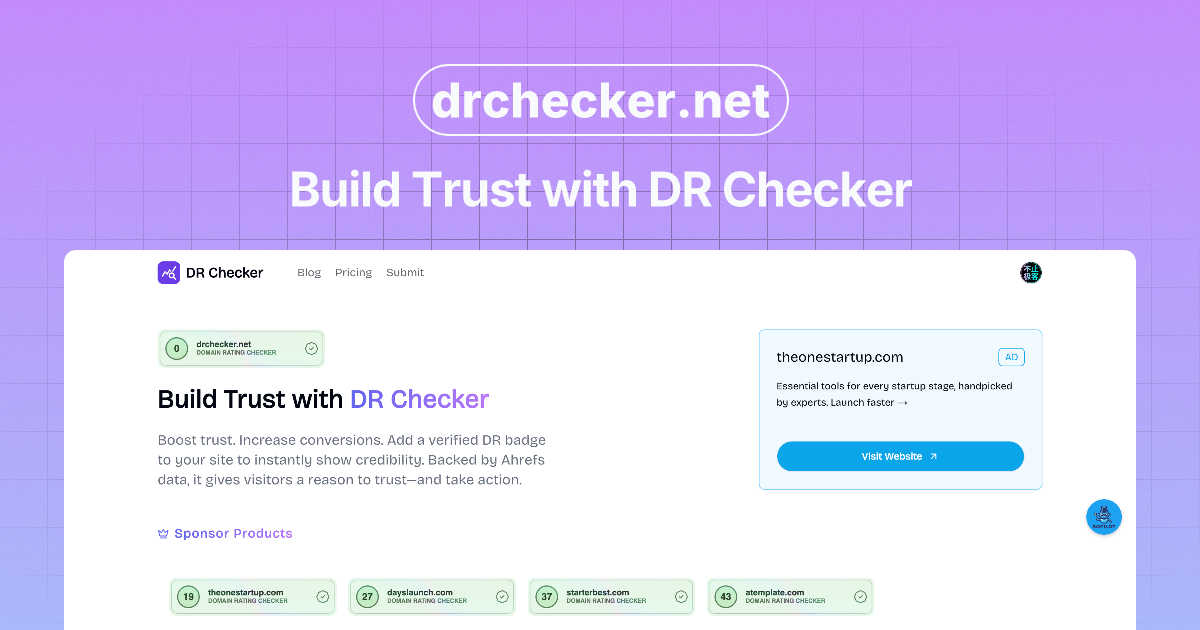
Enhance team collaboration and build trust effortlessly with DR Checker’s intuitive trust verification tools.

SERPView
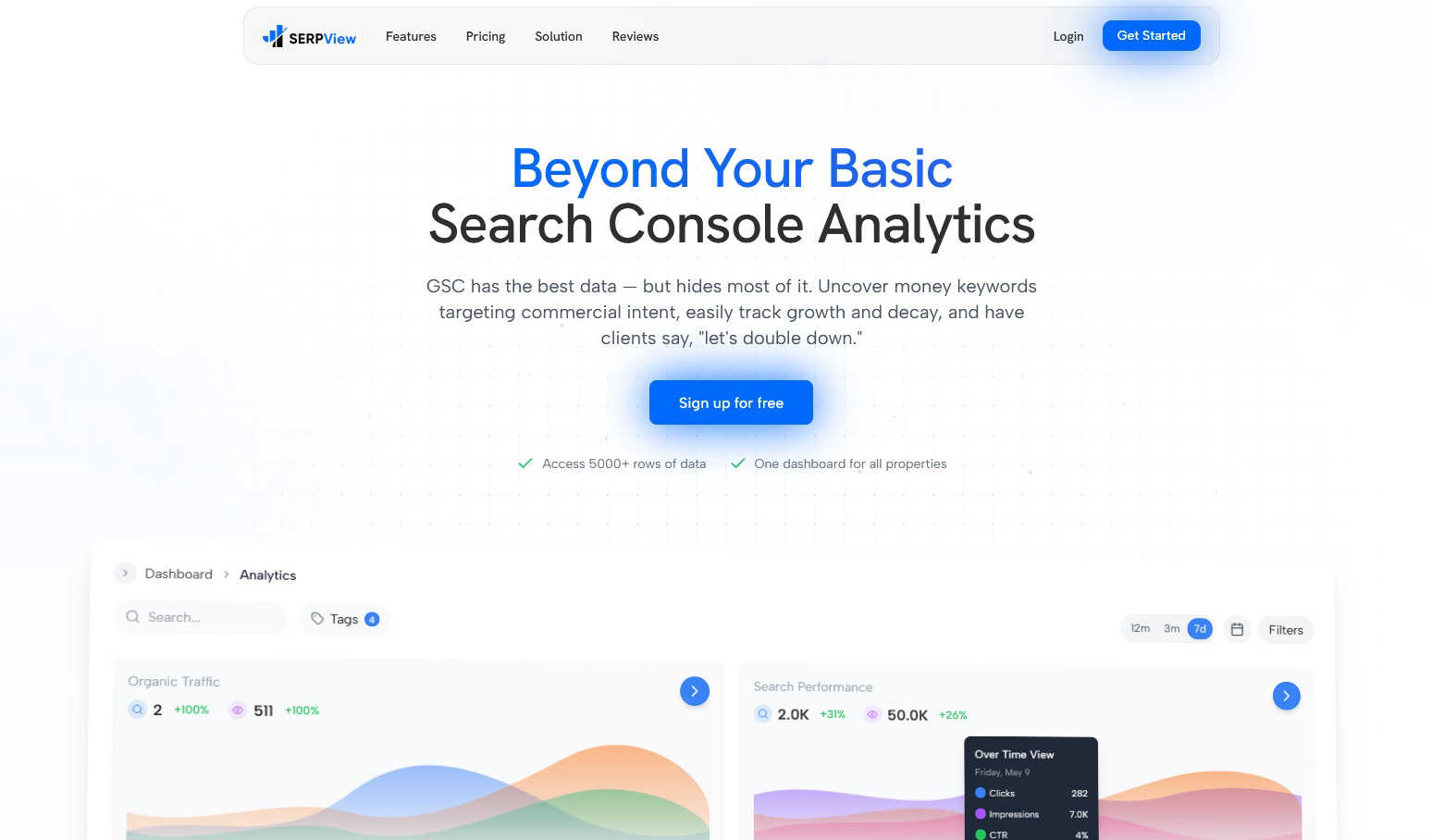
SERPView unlocks your team's shared Google Search Console data to uncover growth opportunities together.
Last updated: March 1, 2026
Visual Comparison
DR Checker
SERPView
Feature Comparison
DR Checker
Comprehensive Link Analysis
DR Checker performs an in-depth analysis of all links on a website, identifying broken links, redirects, and any invalid URLs. This feature ensures that website owners can promptly address issues that may hinder user engagement and search engine visibility.
Security Scanning
The platform scans for potentially malicious connections that could compromise website security. By identifying these risks, DR Checker helps users safeguard their online presence and maintain user trust, which is essential in today’s digital landscape.
User-Friendly Dashboard
DR Checker offers an intuitive dashboard that simplifies the monitoring of website health. Users can easily navigate through reports and insights, making it possible for both tech-savvy individuals and novices to understand and act on the data provided.
Customizable Reporting
Users can generate customizable reports that focus on specific issues or areas of concern. This feature allows website owners and marketers to tailor the information they receive, ensuring that they focus on the most critical aspects of their website’s performance.
SERPView
Performance Tracking Without Limits
Go beyond Google Search Console's restrictive 1,000-row data cap. SERPView provides access to a comprehensive 50,000 rows of performance data, allowing your team to track clicks, impressions, CTR, and average position in granular detail without any artificial limitations. This ensures you can analyze long-term trends and spot opportunities that would otherwise remain hidden in truncated reports.
Advanced Keyword & Page Analysis
Uncover high-intent, money-making keywords and identify your best-performing pages. This feature enables deep dives into commercial keyword opportunities, tracks position changes over time, and analyzes page-level performance to pinpoint both optimization opportunities and content that deserves further promotion, creating a clear action plan for your content and SEO teams.
Mobile vs. Desktop & International Analysis
Compare your search performance across different devices and geographical regions. Understand whether your site performs better on mobile or desktop to guide technical and content optimizations. Simultaneously, track impressions and clicks by country to refine your global SEO strategy and allocate resources effectively for international campaigns.
Collaborative Topic Clusters & Annotations
Visualize and track the performance of your entire content strategy by topic clusters, not just individual pages. This fosters alignment between content and SEO teams on strategic themes. Furthermore, the ability to track Google algorithm updates and add custom annotations helps your team correlate ranking changes with specific events, fostering shared understanding.
Use Cases
DR Checker
Website Optimization for SEO
Digital marketers can leverage DR Checker to identify and rectify broken links and invalid URLs, ensuring that their websites are optimized for search engines. This proactive approach can significantly enhance a site’s SEO ranking.
Regular Website Maintenance
Website owners can utilize DR Checker as part of their regular maintenance routine. By routinely scanning for issues, they can ensure their site remains functional and up-to-date, which is vital for retaining user engagement.
E-commerce Site Management
E-commerce platforms can benefit from DR Checker by ensuring that all product links are valid and functional. This guarantees a smooth shopping experience for customers, reducing the likelihood of lost sales due to broken links.
Collaborative Team Projects
Development teams can use DR Checker to collaborate effectively on website projects. By sharing insights and reports generated by the tool, team members can work together to resolve issues swiftly and maintain a higher level of website quality.
SERPView
SEO Team Collaboration & Reporting
Centralize search data from multiple GSC properties into one dashboard, eliminating silos. SEO managers, specialists, and analysts can work from the same dataset, create shared tags, and generate comprehensive reports that provide a unified view of performance, streamlining communication and strategic planning across the team.
Content Strategy Development & Optimization
Content teams can use page and keyword analysis to identify top-performing articles and uncover gaps. By reviewing topic cluster performance, they can prioritize content creation around winning themes and update underperforming pages based on concrete search data, ensuring their efforts align with actual search demand and team goals.
Technical SEO & Site Performance Review
Technical SEOs can leverage device comparison data to identify potential mobile usability issues impacting rankings. The extensive data access allows for deep dives into query counting and position changes, helping pinpoint technical crawl, index, or rendering problems that need to be addressed in collaboration with developers.
Agency Client Management & Reporting
Digital marketing agencies managing multiple client accounts can connect all properties to a single SERPView dashboard. This simplifies performance reviews, enables efficient cross-client benchmarking, and allows for the creation of clear, data-rich reports that demonstrate value and guide collaborative strategy sessions with clients.
Overview
About DR Checker
DR Checker is a powerful web-based service designed to enhance website performance and security by identifying problematic links that can negatively impact user experience and SEO rankings. Tailored for website owners, developers, and digital marketers, DR Checker performs comprehensive scans of websites to detect broken links, invalid URLs, and potentially harmful connections. This service not only assists in maintaining a clean online presence but also provides actionable insights that empower users to take corrective measures effectively. By leveraging advanced crawling technology, DR Checker analyzes website structures and generates detailed reports highlighting critical issues such as 404 errors, expired domains, and links to questionable sites. The platform is crafted with an intuitive interface, making it accessible for both technical and non-technical users, fostering a collaborative environment for website maintenance and optimization.
About SERPView
SERPView is the definitive collaborative analytics platform designed to unlock the full potential of your Google Search Console data. It transforms the fragmented, limited experience of the native GSC interface into a centralized, data-rich command center built for SEO teams and digital marketers. The platform is engineered for seamless cooperation, empowering your entire team—from content creators and SEO specialists to marketing strategists—to move beyond basic reporting and uncover the actionable insights that drive strategic, unified growth. Its core value proposition lies in breaking through GSC's restrictive 1,000-row data limit, providing access to over 50,000 rows of performance data to ensure no critical trend or opportunity goes unnoticed. By consolidating all your search properties into a single, intuitive dashboard, SERPView eliminates the hassle of switching between accounts and enables unified analysis. It fosters synergy across departments by turning raw search data into a shared source of truth, complete with advanced features for in-depth keyword analysis, page performance reviews, device comparisons, and visual topic cluster tracking, making it a powerful engine for collaborative decision-making.
Frequently Asked Questions
DR Checker FAQ
What types of links does DR Checker scan for?
DR Checker scans for various types of links, including broken links, redirects, and invalid URLs. It also checks for links that may lead to potentially harmful or malicious sites.
How does DR Checker improve website security?
By identifying potentially malicious links and connections, DR Checker helps users take necessary actions to secure their websites. This proactive approach enhances overall website security and user trust.
Is DR Checker suitable for non-technical users?
Yes, DR Checker is designed with an intuitive interface that makes it accessible for users of all technical levels. The user-friendly dashboard and customizable reports ensure that everyone can benefit from its features.
Can I integrate DR Checker with other tools?
While specific integration capabilities are not mentioned, many web-based services offer API options or integrations with popular marketing and analytics tools. Users are encouraged to check DR Checker’s documentation for integration possibilities.
SERPView FAQ
How is SERPView different from Google Search Console?
While Google Search Console (GSC) is the source of the data, it has significant limitations like a 1,000-row data cap, disjointed property management, and limited historical analysis. SERPView builds upon GSC data by removing these limits, providing a unified dashboard for all properties, and adding advanced collaborative features like topic clustering, detailed device/country breakdowns, and annotation tools that GSC does not offer.
Can I connect multiple Google Search Console properties?
Yes, absolutely. A core feature of SERPView is the ability to connect and manage multiple Google Search Console properties, websites, and domains from within a single, intuitive dashboard. This eliminates the need to constantly switch between accounts and provides a consolidated view of your entire search ecosystem for streamlined team analysis.
What is the "50,000 row data limit" you mention?
Google Search Console's native interface typically limits you to viewing and exporting only 1,000 rows of performance data at a time, which can hide important long-tail keywords and trends. SERPView bypasses this restriction by aggregating data via the API, allowing you to access, analyze, and export up to 50,000 rows of data, ensuring a much more complete picture of your search performance.
Is SERPView suitable for team use?
SERPView is specifically designed for team collaboration. It transforms individual GSC data into a shared source of truth with features that foster synergy. Teams can work from a centralized dashboard, use tagging for organization, track topic strategies together, and use annotations to align on the impact of site changes or algorithm updates, making it ideal for coordinated SEO efforts.