Ray3 vs Veo 4 AI
Side-by-side comparison to help you choose the right product.
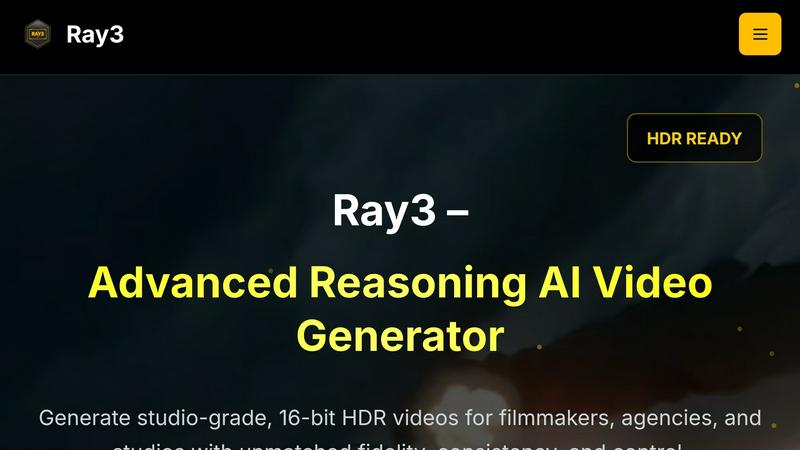
Ray3 generates stunning 16-bit HDR videos using advanced AI for filmmakers and agencies seeking cinematic excellence.
Last updated: March 1, 2026

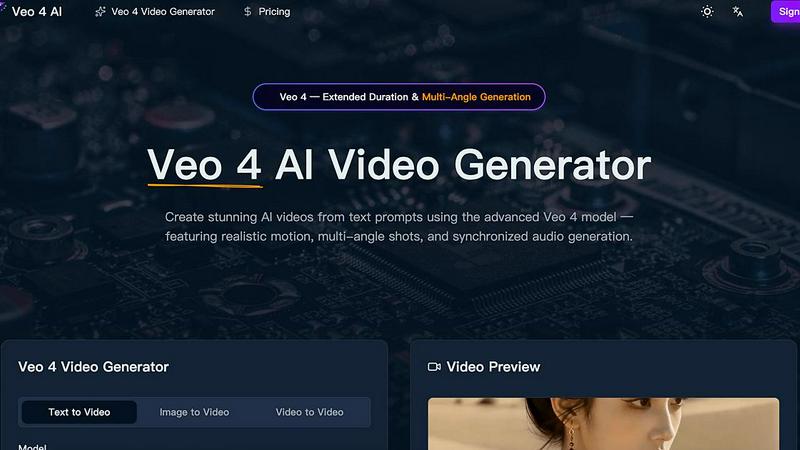
Veo 4 AI transforms text prompts into stunning, multi-angle videos with realistic motion and synchronized audio, enhancing your creative projects.
Last updated: March 26, 2026
Visual Comparison
Ray3
Veo 4 AI
Feature Comparison
Ray3
High-Fidelity HDR
Ray3 produces true cinematic quality with 10/12/16-bit HDR output, ensuring unparalleled visual fidelity. This feature offers professional-grade color depth and dynamic range, meeting industry standards for visual excellence.
Reasoning Intelligence
The advanced reasoning engine of Ray3 provides smarter and more consistent video generation. It understands scene context, maintains logical consistency, and ensures physical accuracy across all frames, leading to more realistic video outputs.
Draft Mode
With Draft Mode, Ray3 allows rapid exploration of creative ideas at five times the normal speed. This feature provides quick previews, enabling creators to iterate efficiently before committing to high-fidelity renders, enhancing the creative process.
Workflow Integration
Ray3 is designed to seamlessly integrate into existing workflows, offering compatibility with Adobe Premiere Pro and ACES color workflows. This ensures that users can easily incorporate Ray3 into their production processes without disruption.
Veo 4 AI
Text to Video Generation
Veo 4 AI enables users to convert natural language descriptions into high-fidelity videos. This advanced feature ensures that videos maintain realistic lighting, physics, and human motion, bringing text prompts to life with remarkable detail.
Multi-Angle Camera Generation
With this innovative feature, users can generate the same scene from multiple camera angles simultaneously, including front, side, overhead, and behind views. This provides a comprehensive visual experience and enhances creative storytelling.
Synchronized Audio and Voice Generation
Veo 4 produces synchronized dialogue, sound effects, and ambient audio that match the video perfectly. This feature includes multilingual lip-sync capabilities, allowing creators to reach broader audiences through diverse language options.
Extended Video Duration
This feature allows users to generate longer video clips while maintaining consistent quality throughout. It enables filmmakers and marketers to create more extensive narratives and engage their audience over a more extended period.
Use Cases
Ray3
Commercial Production
Ray3 is ideal for creating high-quality video advertisements. Its advanced reasoning capabilities and HDR output ensure that commercials are visually stunning and effectively convey brand messages with clarity.
Cinematic Sequences
Filmmakers can leverage Ray3 to generate cinematic sequences that maintain narrative coherence and visual fidelity. The tool's reasoning intelligence allows for complex storytelling with multiple characters and settings.
Architectural Visualization
Ray3 excels in architectural visualizations, providing realistic renderings that showcase designs with accurate lighting and shadows. This application is particularly valuable for architects and real estate professionals.
Fashion Editorials
In the fashion industry, Ray3 can produce high-end editorial videos, capturing the essence of style and aesthetics through its HDR capabilities and meticulous attention to detail in lighting and color grading.
Veo 4 AI
Social Media Content Creation
Content creators can leverage Veo 4 AI to generate captivating videos for platforms like Instagram, TikTok, and YouTube. The ability to create stunning visuals quickly helps maintain an active online presence.
Marketing Campaigns
Businesses can utilize Veo 4 to create visually appealing promotional videos that communicate their brand message effectively. The platform's advanced capabilities ensure that marketing materials stand out in a crowded digital space.
Educational Videos
Educators and trainers can use Veo 4 to develop engaging instructional videos that enhance learning experiences. The combination of visuals and synchronized audio makes complex topics more accessible and interesting.
Entertainment and Film Production
Filmmakers can harness Veo 4's cinematic features to create high-quality video content for short films, trailers, or even full-length productions. The platform's capabilities facilitate the exploration of new storytelling techniques and visual styles.
Overview
About Ray3
Ray3 is an innovative AI video generation tool that empowers professional creators such as filmmakers, creative agencies, and production studios to produce exceptional video content. As the world's first reasoning-based AI video model, Ray3 delivers cinematic-quality outputs in 10/12/16-bit HDR, ensuring remarkable visual fidelity and logical consistency. This platform utilizes a cutting-edge temporal reasoning engine, enabling it to create physically accurate motion, multi-character scene understanding, and coherent storytelling. By efficiently integrating into the creative pipeline, Ray3 significantly enhances productivity. Features like Draft Mode allow creators to accelerate their ideation process by five times, while compatibility with Adobe Premiere Pro and ACES color workflows facilitates seamless incorporation into existing toolsets. Ideal for a range of applications including commercials, cinematic sequences, architectural visualizations, and fashion editorials, Ray3 not only saves time but also maximizes creative potential, making it an indispensable resource for modern video production.
About Veo 4 AI
Veo 4 AI is a revolutionary video generation platform harnessing the power of artificial intelligence to transform simple text prompts into high-quality, professional videos. Designed for content creators, marketers, and businesses of all sizes, Veo 4 offers an intuitive interface that allows users to generate engaging video content quickly and efficiently. The platform boasts advanced features such as realistic motion, seamless transitions, and cinematic visual effects, ensuring that every video produced is visually stunning. With Veo 4, users can create videos suited for various applications, including social media posts, marketing campaigns, and creative projects, all without needing extensive video editing expertise. By simplifying the video creation process, Veo 4 empowers users to focus on their creative vision while the AI handles the technical complexities.
Frequently Asked Questions
Ray3 FAQ
What is Ray3?
Ray3 is an advanced AI video generation tool designed for professional creators, allowing them to produce high-quality HDR videos with logical consistency and exceptional visual fidelity.
How does Draft Mode work?
Draft Mode enables creators to rapidly iterate on their ideas by providing quick previews, allowing for five times faster exploration of concepts before finalizing high-fidelity renders.
What formats does Ray3 support?
Ray3 supports 10/12/16-bit HDR outputs and is compatible with industry-standard formats such as ACES2065-1 EXR, making it suitable for professional color grading and video production.
Can Ray3 be integrated with other software?
Yes, Ray3 integrates seamlessly with Adobe Premiere Pro and adheres to ACES color workflows, making it easy to incorporate into existing creative processes without any disruptions.
Veo 4 AI FAQ
What types of videos can I create with Veo 4 AI?
Veo 4 AI allows users to create a variety of video formats, including promotional videos, educational content, social media clips, and cinematic productions, all from text or image inputs.
Is there a learning curve associated with using Veo 4 AI?
No, Veo 4 is designed with an intuitive interface that simplifies the video creation process. Users do not need extensive video editing skills to produce high-quality videos.
Can I customize the output of the videos generated by Veo 4 AI?
Yes, Veo 4 offers extensive customization options, including multi-angle shots, audio synchronization, and the ability to specify cinematography details, allowing for tailored video outputs.
How does Veo 4 AI handle audio generation?
Veo 4 generates dialogue, ambient sound, and sound effects that are synchronized with the visual output. This ensures a seamless viewing experience, with lip-sync capabilities for multiple languages.
Alternatives
Ray3 Alternatives
Ray3 is a cutting-edge AI video generator that specializes in creating high-quality 16-bit HDR videos tailored for professional creators such as filmmakers and production studios. This innovative tool stands out due to its advanced reasoning capabilities, which allow for coherent storytelling and visually stunning outputs. As users explore their options, they often seek alternatives for various reasons, including pricing, feature sets, and compatibility with different platforms or workflows. When looking for alternatives to Ray3, consider factors like video quality, ease of use, integration with existing tools, and the specific needs of your creative projects. It’s essential to evaluate how well an alternative can meet your production requirements while providing the functionality and efficiency you seek in a video generation tool.
Veo 4 AI Alternatives
Veo 4 AI is an innovative video generation platform that utilizes advanced artificial intelligence to convert text prompts into high-quality videos. This platform belongs to the video category and is designed to cater to content creators, marketers, and businesses looking to enhance their visual storytelling capabilities. Users often seek alternatives due to various factors, including pricing, feature sets, and specific platform requirements that may better align with their needs. When searching for alternatives to Veo 4 AI, it’s essential to consider several key aspects. Look for options that offer similar quality in video production, user-friendly interfaces, and features that support your specific content goals. Additionally, evaluate the pricing models and ensure they fit your budget while providing the necessary functionality for your projects.