MindMap AI vs Tickari
Side-by-side comparison to help you choose the right product.

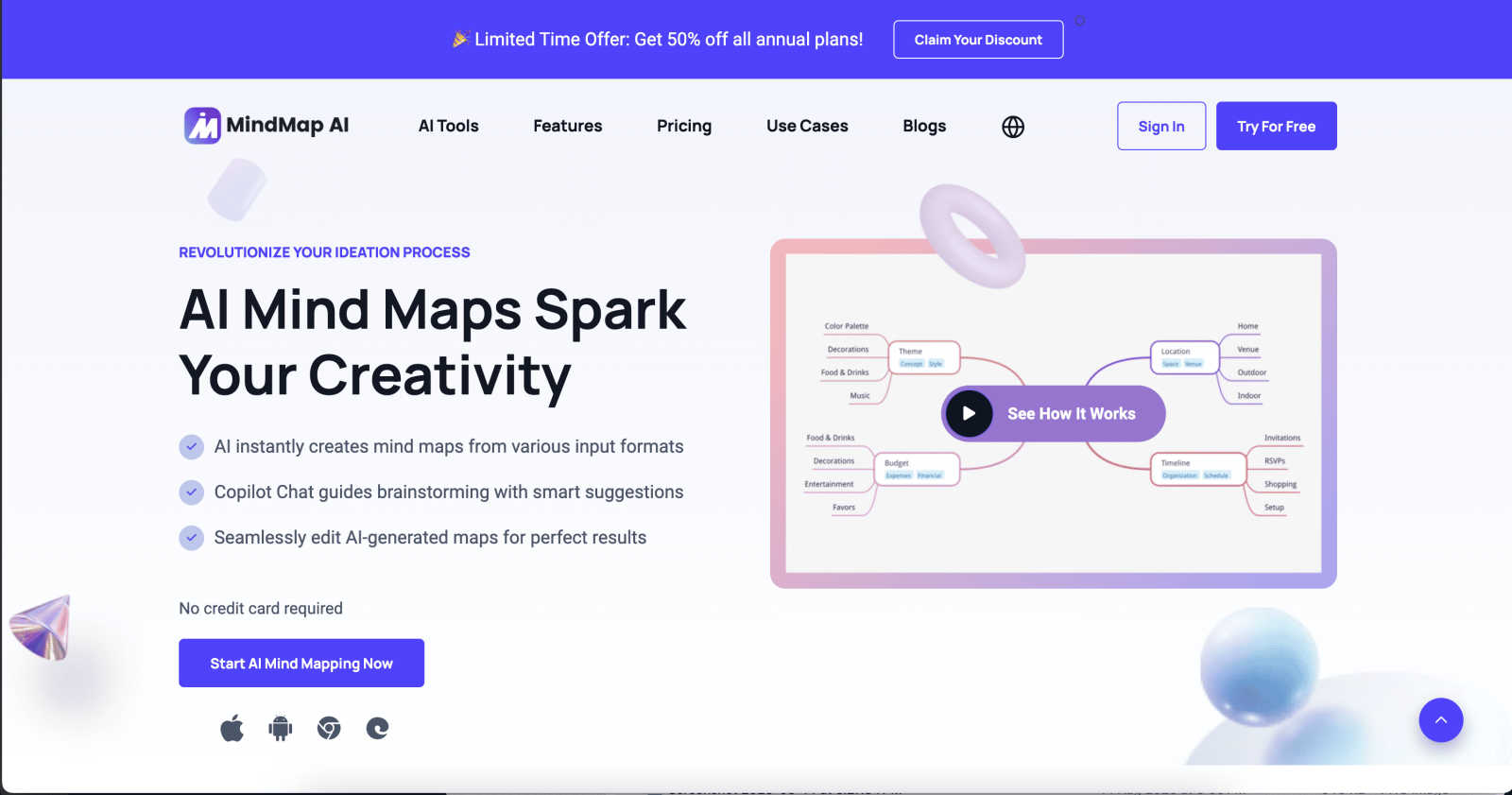
MindMap AI transforms ideas and documents into collaborative, editable mind maps that enhance teamwork and creativity.
Last updated: March 1, 2026

The no-nonsense task manager that actually helps you get things done. No clutter. No complexity. Just you and your tasks.
Visual Comparison
MindMap AI
Tickari

Overview
About MindMap AI
MindMap AI is the premier collaborative intelligence platform that revolutionizes how professionals and teams capture, organize, and develop ideas. Unlike traditional mind mapping tools, MindMap AI leverages advanced AI capabilities to instantly convert various inputs—such as meeting recordings, PDFs, documents, images, and raw text—into dynamic visual maps. This transforms complex information into clear, actionable structures within a shared interactive workspace. Designed for corporate productivity, it serves strategists, project managers, educators, researchers, and any team aiming for alignment and deeper insights. By acting as a co-pilot for collective thinking, MindMap AI helps teams shift from fragmented information and chaotic brainstorming to unified strategies in mere minutes. With seamless access across web, mobile, and browser extensions, and robust multi-format exporting, MindMap AI is essential for turning collective chaos into shared clarity, empowering over a million thinkers globally.
About Tickari
Tickari is a deliberately minimal, no-nonsense task manager designed for people who are tired of overcomplicated productivity tools and just want to get things done. Instead of overwhelming you with features like complex boards, AI-generated suggestions, or endless customization, Tickari focuses on a simple, frictionless workflow: write a task, tick it off, and move on.
The product embraces a “less but better” philosophy—eliminating clutter, reducing cognitive overhead, and removing the need for onboarding tutorials or setup processes. There are no distractions, no unnecessary decisions, and no feature bloat—just a clean interface that works instantly the moment you open it. This makes it particularly effective for users who feel stuck organizing tasks instead of actually completing them.