
MindMap AI
MindMap AI transforms ideas and documents into collaborative, editable mind maps that enhance teamwork and creativity.
Visit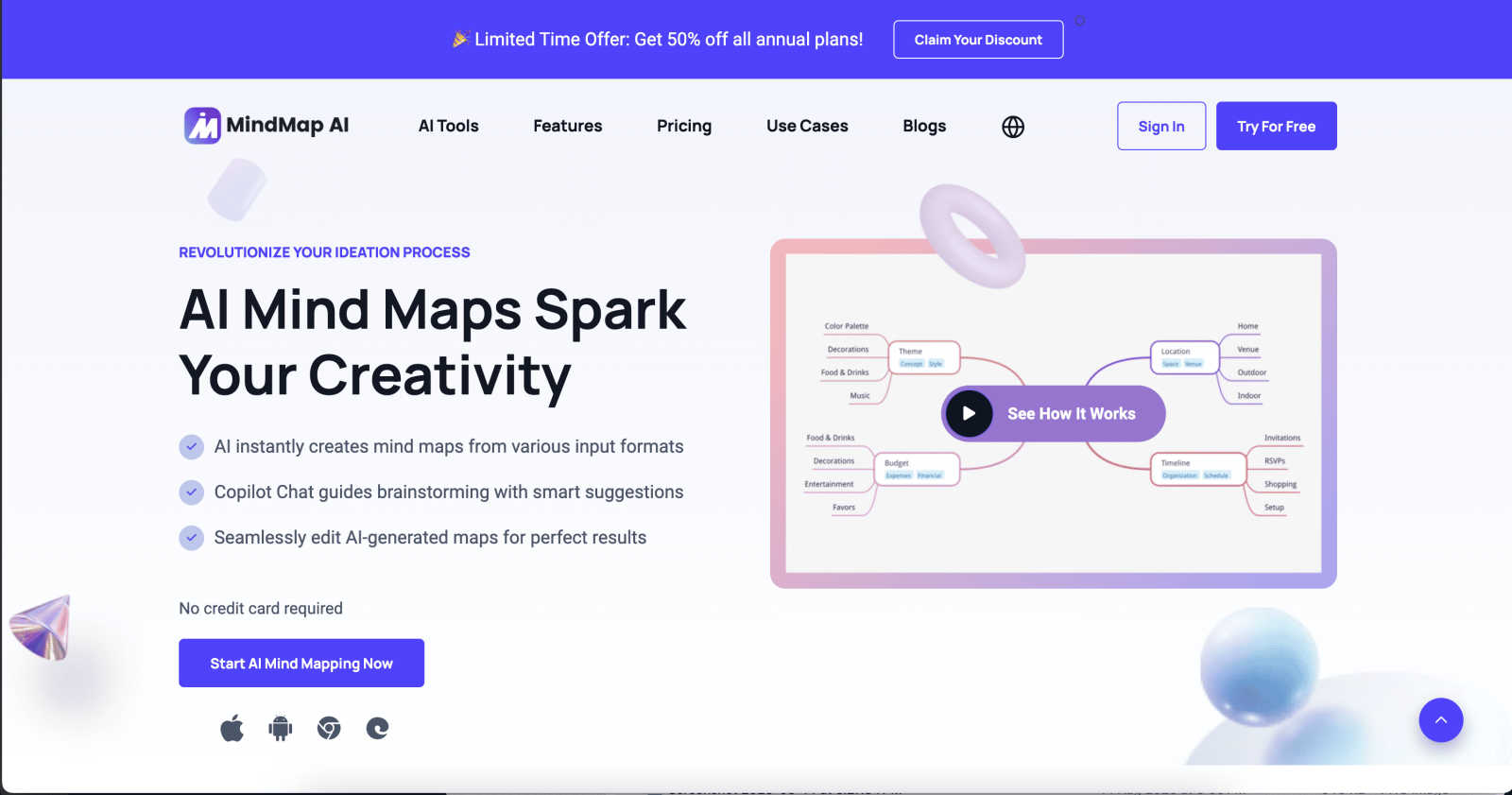
About MindMap AI
MindMap AI is the premier collaborative intelligence platform that revolutionizes how professionals and teams capture, organize, and develop ideas. Unlike traditional mind mapping tools, MindMap AI leverages advanced AI capabilities to instantly convert various inputs—such as meeting recordings, PDFs, documents, images, and raw text—into dynamic visual maps. This transforms complex information into clear, actionable structures within a shared interactive workspace. Designed for corporate productivity, it serves strategists, project managers, educators, researchers, and any team aiming for alignment and deeper insights. By acting as a co-pilot for collective thinking, MindMap AI helps teams shift from fragmented information and chaotic brainstorming to unified strategies in mere minutes. With seamless access across web, mobile, and browser extensions, and robust multi-format exporting, MindMap AI is essential for turning collective chaos into shared clarity, empowering over a million thinkers globally.
Features of MindMap AI
AI Thinking Mode for Accuracy
MindMap AI employs a step-by-step reasoning engine that comprehends context, hierarchy, and relationships, ensuring every mind map is structured and meaningful from the first attempt. This feature eliminates the randomness often associated with mind mapping, resulting in coherent and organized outputs.
File-to-Map Conversion
This powerful feature enables users to convert any content—including text, PDFs, images, audio, video, Markdown, or CSV—into clean and visually appealing mind maps instantly. Users can focus on creativity and planning rather than spending time on manual formatting.
Multi-Language Support
MindMap AI supports mind mapping in over 25 languages, maintaining accuracy and structure across different languages. This ensures that teams working in diverse linguistic environments can collaborate effectively without compromising the layout or meaning of their ideas.
Continuous Editing
With MindMap AI, users can build their mind maps either manually or through AI co-editing, which respects the user's original work. This feature allows for easy expansion, summarization, and reorganization of ideas while keeping full manual control available whenever needed.
Use Cases of MindMap AI
Collaborative Brainstorming Sessions
MindMap AI transforms brainstorming sessions by allowing teams to visually capture ideas in real time. Each member can contribute thoughts, which are instantly organized into a coherent mind map, fostering better collaboration and creativity.
Project Planning and Management
Project managers can use MindMap AI to outline project timelines, tasks, and responsibilities. The dynamic visual maps help teams see the big picture while also drilling down into specific project components, enhancing organization and accountability.
Educational Curriculum Development
Educators can leverage MindMap AI to design and structure curricula. By converting educational materials and resources into mind maps, teachers can create engaging lesson plans and ensure alignment with learning objectives.
Research and Data Analysis
Researchers can utilize MindMap AI to organize findings from various sources. By converting documents, articles, and data into mind maps, they can synthesize information effectively, making complex data more digestible and actionable.
Frequently Asked Questions
How does MindMap AI ensure the accuracy of mind maps?
MindMap AI uses a sophisticated reasoning engine that understands context and relationships, ensuring that mind maps are structured and meaningful right from the start. This feature significantly reduces the chances of disorganized outputs.
Can I use MindMap AI for large documents?
Yes, MindMap AI is built to handle large documents efficiently. It maintains stable chart generation and reliable summaries, ensuring consistent results without excessive credit consumption, making it ideal for comprehensive projects.
Is MindMap AI suitable for non-English speakers?
Absolutely. MindMap AI supports mind mapping in over 25 languages, allowing users to create and edit mind maps accurately regardless of their language preference. This feature promotes inclusivity and global collaboration.
What makes MindMap AI different from traditional mind mapping tools?
Unlike traditional tools, MindMap AI harnesses advanced AI technology to convert various content types into mind maps instantly. It also offers collaborative features, multi-language support, and a user-friendly interface that respects individual contributions, making it a powerful ally for teamwork.
Explore more in this category:
Similar to MindMap AI

@fuck.it - email with attitude
Private email. Pure. Secure. Exclusive. No ads, no tracking, no data selling. GDPR compliant, EU-hosted.
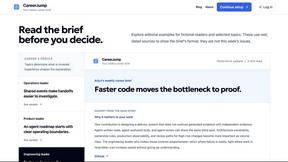
CareerJump
A free personalized weekly newsletter to help you keep up with developments relevant to your career.
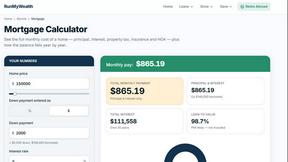
RunMyWealth
Free, private financial calculators for mortgage, FIRE, and debt. 100% free, runs locally in your browser, no signup required.

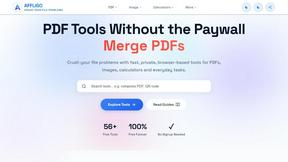
AFFLIGO
AFFLIGO makes everyday file tasks easier with free online tools to compress, convert, edit, and manage PDFs and images.

SmoothCut
Screen recorder for macOS and Windows with automatic zooms, a smoothed cursor and on-device captions. Pay once, runs on your computer.

Suparelay
Call landlines and mobiles in 200+ countries from your browser. The person you call needs no app. Prepaid, from about 2 cents a minute.
Novastart
Apps and files on an infinite canvas where people and AI agents work together.