CloneUI vs Postproxy
Side-by-side comparison to help you choose the right product.

CloneUI enables your team to effortlessly transform designs into clean, responsive code from screenshots or URLs.
Last updated: March 1, 2026

Postproxy
Postproxy simplifies social media publishing by unifying multiple platforms into one reliable API for seamless.
Last updated: February 28, 2026
Visual Comparison
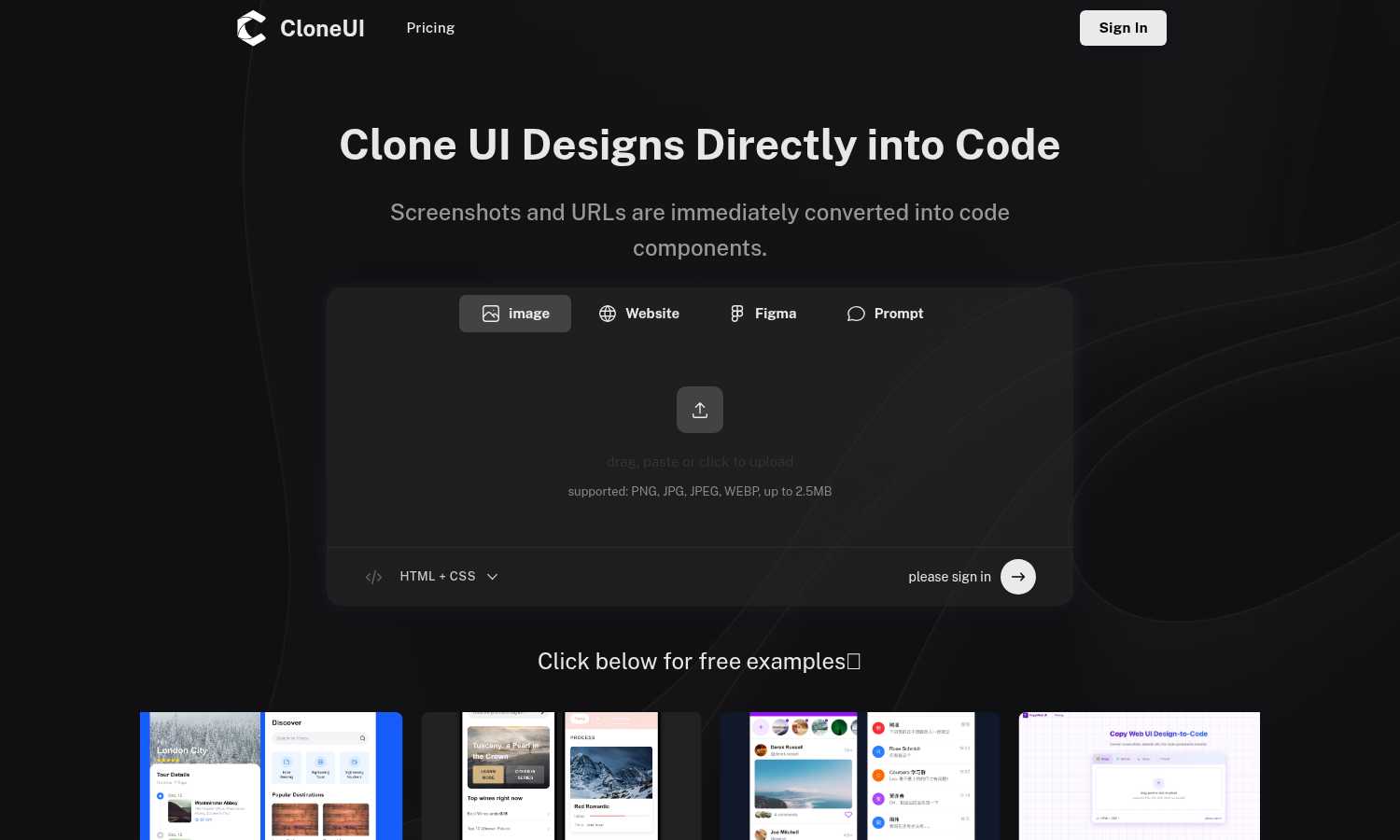
CloneUI
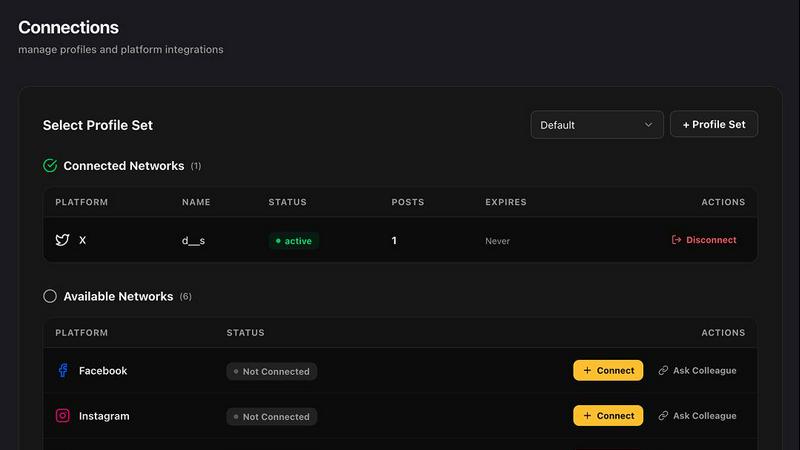
Postproxy
Feature Comparison
CloneUI
Convert Screenshots to Code
With CloneUI, uploading a design screenshot generates pixel-perfect code in seconds. This feature eliminates the guesswork involved in coding, ensuring that every pixel aligns with your original vision.
Clone from URL
This innovative functionality allows users to effortlessly replicate entire website structures by simply entering a URL. You can capture the essence of existing designs and use them as a foundation for your projects.
Figma to Code Conversion
One-click conversion from Figma to code simplifies the design-to-development handoff. Designers can easily translate their Figma designs into functional code, minimizing the back-and-forth communication often required.
Intelligent Component Recognition
CloneUI features AI-powered automatic UI component identification and mapping, ensuring that each element is recognized and translated accurately into code components. This enhances collaboration, as both designers and developers can trust the output.
Postproxy
Unified API for Multiple Platforms
Postproxy provides a single API that replaces the need for individual integrations with various social media platforms. This unification streamlines the publishing process, allowing users to send requests to multiple networks with ease.
Automated Content Adaptation
The platform automatically transforms content to meet the unique requirements of each social media platform. This feature ensures that users do not have to manually adjust their posts for different formats, media limits, or validation rules, saving significant time and effort.
Robust Error Handling
Postproxy is designed to handle operational failures gracefully. It integrates automatic retries, rate limit management, and quota awareness, ensuring that users face fewer disruptions in their publishing workflows, thus enhancing reliability.
Explicit Publish States
With Postproxy, users can easily track the status of their publishing requests. The system provides clear feedback on what has succeeded, what has failed, and the reasons behind any failures, eliminating the need for manual checks and interventions.
Use Cases
CloneUI
Rapid Prototyping
CloneUI is perfect for teams looking to rapidly prototype their ideas. By converting designs into code quickly, teams can iterate on functionality and user experience without the usual delays in the development process.
Freelance Development
Freelancers can significantly enhance their workflow by utilizing CloneUI. They can deliver high-quality work faster, allowing them to take on more clients and projects while maintaining the quality of their output.
Agency Projects
Agencies handling multiple projects can benefit from CloneUI's ability to streamline the design process. By generating code from designs, teams can focus on creative strategies rather than spending time on repetitive coding tasks.
Educational Purposes
For educators and students in design and development, CloneUI serves as a valuable learning tool. It provides insights into how designs are translated into code, making it easier to understand the intricacies of web development.
Postproxy
Streamlined Social Media Management
Businesses can use Postproxy to manage their social media presence across multiple platforms from a single interface. This capability reduces the complexity of handling various accounts and simplifies the workflow for social media teams.
Automated Content Publishing
Marketing teams can automate the posting of AI-generated content. By integrating Postproxy into their existing pipelines, they can ensure timely and consistent publishing without the need for manual oversight.
Simplified Account Management
Postproxy allows organizations with numerous social media accounts to manage permissions and access effectively. This feature is crucial for companies with multiple brands or regional accounts, streamlining account control.
Scalable Publishing Solutions
As businesses grow, their publishing needs can become more complex. Postproxy facilitates scaling operations by allowing users to publish large volumes of content without adding complexity to their processes, making it ideal for high-demand environments.
Overview
About CloneUI
CloneUI is a groundbreaking AI-powered tool that transforms the way design and development teams collaborate, enabling a seamless workflow from concept to execution. It is tailored for designers and developers looking to enhance their productivity by eliminating the tedious process of converting visual designs into code. With CloneUI, users can instantly convert static screenshots, live website URLs, or Figma design files into clean, production-ready code components. The intelligent algorithms at the core of CloneUI analyze inputs, ensuring that generated code is precise and responsive across various devices. This tool not only accelerates the development process but also allows teams to focus on more complex tasks, fostering a cooperative environment that encourages innovation. By turning design inspirations into tangible code, CloneUI becomes an essential asset for agile teams, freelance developers, and agencies aiming to deliver high-quality projects at an accelerated pace.
About Postproxy
Postproxy is an innovative solution designed to simplify and unify social media publishing across multiple platforms, such as Instagram, Facebook, YouTube, LinkedIn, and X. It provides a single API endpoint that automates the challenges associated with platform-specific publishing, including OAuth management, rate limiting, retries, content adaptation, and analytics. This product is particularly beneficial for developers and automation enthusiasts using tools like n8n, Zapier, and CI/CD pipelines. By transforming the publishing process into a predictable infrastructure, Postproxy allows users to generate AI-driven content, route it according to specific rules, and publish at scale without the burden of manual adjustments. With a free plan available, it accommodates businesses of all sizes, making it easier to scale as their needs grow. Additionally, the Managing Control Panel (MCP) offers a user-friendly interface to manage publishing activities seamlessly.
Frequently Asked Questions
CloneUI FAQ
Which input formats are compatible with CloneUI?
CloneUI supports various input formats, including PNG, JPG, JPEG, and WEBP images, allowing users to upload design screenshots with ease.
How is the code generated?
The code is generated through advanced AI algorithms that analyze the uploaded designs or URLs, ensuring that the output is clean, responsive, and ready for production.
Supported frameworks?
CloneUI offers flexibility by allowing users to export generated code to their preferred frameworks, including React, Vue, or plain HTML/CSS.
Is the generated code customizable?
Yes, the generated code can be customized to fit specific project needs, allowing developers to tweak the output while maintaining the integrity of the original design.
Postproxy FAQ
What social media platforms does Postproxy support?
Postproxy currently supports major platforms including Instagram, Facebook, YouTube, LinkedIn, and X, allowing users to publish content across multiple channels effortlessly.
How does Postproxy handle platform-specific failures?
Postproxy is designed to manage operational failures by implementing automatic retries, rate limit handling, and clear reporting on publish states. This ensures a reliable publishing experience.
Is there a free plan available for Postproxy?
Yes, Postproxy offers a free plan, allowing users to get started without any financial commitment. This plan is ideal for individuals and small businesses looking to explore the platform's capabilities.
How can I integrate Postproxy into my existing workflows?
Integrating Postproxy is straightforward. Users can create an account, obtain an API key, connect their social media accounts, and start publishing content via the unified API, making it easy to include in existing automation setups.
Alternatives
CloneUI Alternatives
CloneUI is a groundbreaking AI-powered tool that sits at the intersection of design and development, enabling teams to transform visual designs into clean, production-ready code efficiently. As organizations strive for greater collaboration between designers and developers, users often seek alternatives to CloneUI due to factors like pricing, specific feature requirements, or compatibility with existing workflows. When selecting an alternative, it's essential to consider the range of design input formats supported, the intelligence of its component recognition capabilities, and how well it integrates with your team's current processes to ensure a seamless transition and continued productivity.
Postproxy Alternatives
Postproxy is a powerful tool designed for developers and automators, providing a unified API for seamless publishing across multiple social media platforms, including Instagram, Facebook, YouTube, LinkedIn, and X. By streamlining the complexities of social media management, Postproxy facilitates a more efficient publishing process, making it easier for users to manage their social media presence from a single endpoint. Users often seek alternatives to Postproxy for various reasons, such as exploring different pricing models, evaluating feature sets, or meeting specific platform integration requirements. When choosing an alternative, it’s essential to consider factors such as ease of use, scalability, integration capabilities, and the level of automation offered. Identifying the core needs of your publishing strategy will help ensure that the chosen solution aligns with your goals.