SupaSidebar vs Tickari
Side-by-side comparison to help you choose the right product.

SupaSidebar
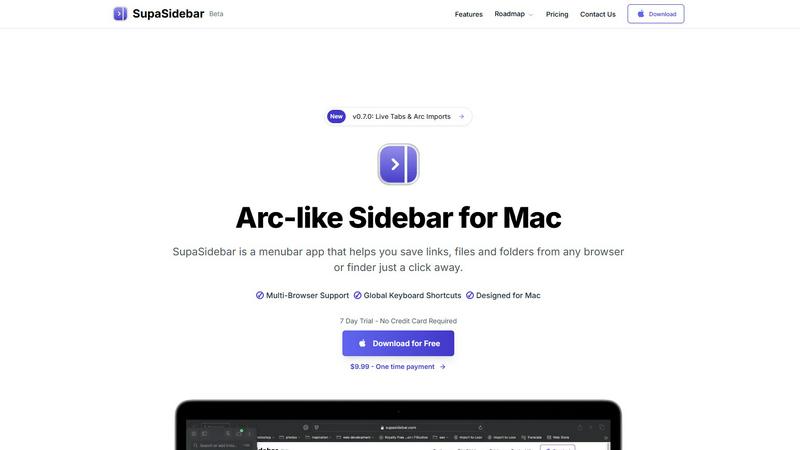
SupaSidebar is your team's universal Mac sidebar for instantly saving and opening any link, file, or folder.
Last updated: February 28, 2026

The no-nonsense task manager that actually helps you get things done. No clutter. No complexity. Just you and your tasks.
Visual Comparison
SupaSidebar
Tickari

Overview
About SupaSidebar
SupaSidebar is your collaborative partner for macOS productivity, designed to create a synergistic relationship between you and your digital workspace. It's a beautifully crafted, Arc-inspired sidebar application that acts as a universal command center, seamlessly integrating with your workflow to keep your essential digital assets—links, files, folders, and apps—instantly accessible. Built for professionals, researchers, creators, and anyone who multitasks across browsers and applications, SupaSidebar solves the common pain points of digital disorganization and constant context-switching. Its core mission is to keep you in a state of flow. By placing a powerful, searchable hub just a keyboard shortcut away, it ensures that everything you need, from a recently viewed article to a critical project folder, is available without breaking your concentration. Your data remains private and secure on your Mac, fostering a trustworthy partnership. It works quietly in the background until you call upon it, then delivers exactly what you need to move forward efficiently, transforming how you interact with your Mac by reducing clutter and amplifying focus.
About Tickari
Tickari is a deliberately minimal, no-nonsense task manager designed for people who are tired of overcomplicated productivity tools and just want to get things done. Instead of overwhelming you with features like complex boards, AI-generated suggestions, or endless customization, Tickari focuses on a simple, frictionless workflow: write a task, tick it off, and move on.
The product embraces a “less but better” philosophy—eliminating clutter, reducing cognitive overhead, and removing the need for onboarding tutorials or setup processes. There are no distractions, no unnecessary decisions, and no feature bloat—just a clean interface that works instantly the moment you open it. This makes it particularly effective for users who feel stuck organizing tasks instead of actually completing them.