Nabbed vs SupaSidebar
Side-by-side comparison to help you choose the right product.

Track jobs & contacts. Get AI intel. Autofill ATS.

SupaSidebar
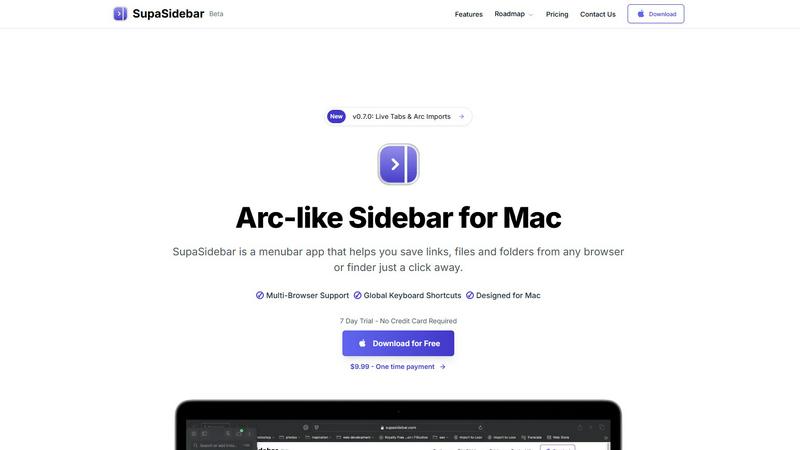
SupaSidebar is your team's universal Mac sidebar for instantly saving and opening any link, file, or folder.
Last updated: February 28, 2026
Visual Comparison
Nabbed

SupaSidebar
Overview
About Nabbed
Nabbed is the first CRM built specifically for sales and revenue professionals managing their career. Track job applications in a visual pipeline, build a contact CRM with warm path mapping, get AI-powered company intelligence (funding, headcount, Glassdoor ratings), and autofill applications on 60+ ATS platforms with our Chrome extension. Features include Gmail auto-sync that detects interviews and rejections, hiring signal alerts when target companies are growing, interview prep with AI coaching, salary benchmarking with offer analysis, and a Job Fit Score that matches your profile to listings. Search 11 job sources at once including Google Jobs, Indeed, LinkedIn, and Glassdoor. Free tier available, Core at $19/mo.
About SupaSidebar
SupaSidebar is your collaborative partner for macOS productivity, designed to create a synergistic relationship between you and your digital workspace. It's a beautifully crafted, Arc-inspired sidebar application that acts as a universal command center, seamlessly integrating with your workflow to keep your essential digital assets—links, files, folders, and apps—instantly accessible. Built for professionals, researchers, creators, and anyone who multitasks across browsers and applications, SupaSidebar solves the common pain points of digital disorganization and constant context-switching. Its core mission is to keep you in a state of flow. By placing a powerful, searchable hub just a keyboard shortcut away, it ensures that everything you need, from a recently viewed article to a critical project folder, is available without breaking your concentration. Your data remains private and secure on your Mac, fostering a trustworthy partnership. It works quietly in the background until you call upon it, then delivers exactly what you need to move forward efficiently, transforming how you interact with your Mac by reducing clutter and amplifying focus.