Session Stacker vs Tickari
Side-by-side comparison to help you choose the right product.

Session Stacker
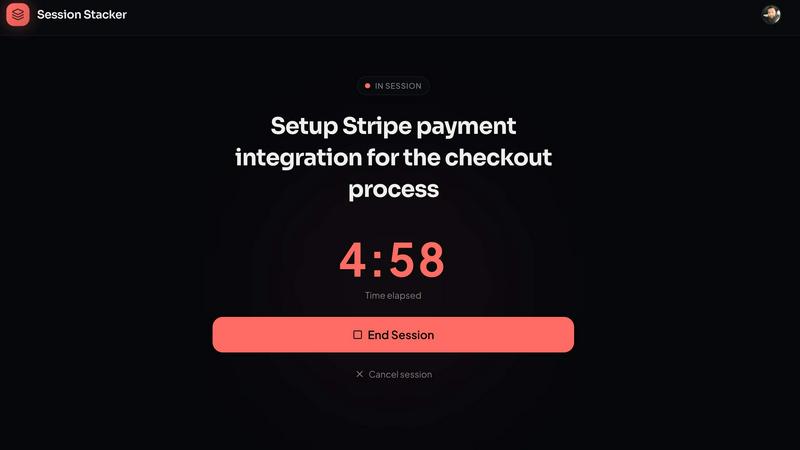
Session Stacker helps you and your team pick up right where you left off, building momentum together.
Last updated: February 28, 2026

The no-nonsense task manager that actually helps you get things done. No clutter. No complexity. Just you and your tasks.
Visual Comparison
Session Stacker
Tickari

Overview
About Session Stacker
Session Stacker is a focused productivity tool designed for builders, creators, and side-hustlers who are balancing their passion projects with a full-time life. It addresses the core challenge of momentum loss, which occurs every time you sit down to work and waste precious minutes trying to remember your next step. Instead of adding complex project management overhead, Session Stacker fosters a simple, powerful discipline loop between you and your work. You end each session by defining your very next action. When you return, you begin immediately with clarity, eliminating the ramp-up time that drains energy and kills progress. This synergy between a simple habit and a supportive tool is built specifically for individuals with limited time, not large teams. It helps you build consistency, track your progress through detailed stats, and transform scattered effort into tangible, shipped work. By protecting your build window, Session Stacker turns your limited time into a reliable advantage, helping you and your goals work in concert, session by session.
About Tickari
Tickari is a deliberately minimal, no-nonsense task manager designed for people who are tired of overcomplicated productivity tools and just want to get things done. Instead of overwhelming you with features like complex boards, AI-generated suggestions, or endless customization, Tickari focuses on a simple, frictionless workflow: write a task, tick it off, and move on.
The product embraces a “less but better” philosophy—eliminating clutter, reducing cognitive overhead, and removing the need for onboarding tutorials or setup processes. There are no distractions, no unnecessary decisions, and no feature bloat—just a clean interface that works instantly the moment you open it. This makes it particularly effective for users who feel stuck organizing tasks instead of actually completing them.