Before After Photo Maker vs PhotoFuse
Side-by-side comparison to help you choose the right product.

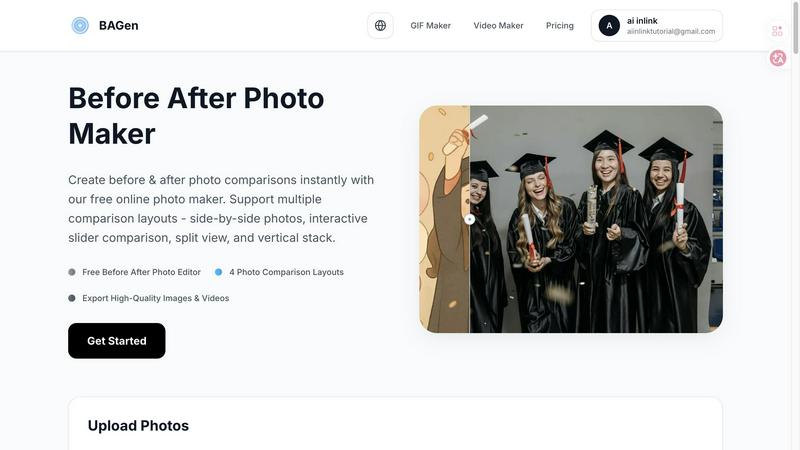
Before After Photo Maker
Our free online tool helps your team create professional before and after photo comparisons instantly.
Last updated: March 26, 2026

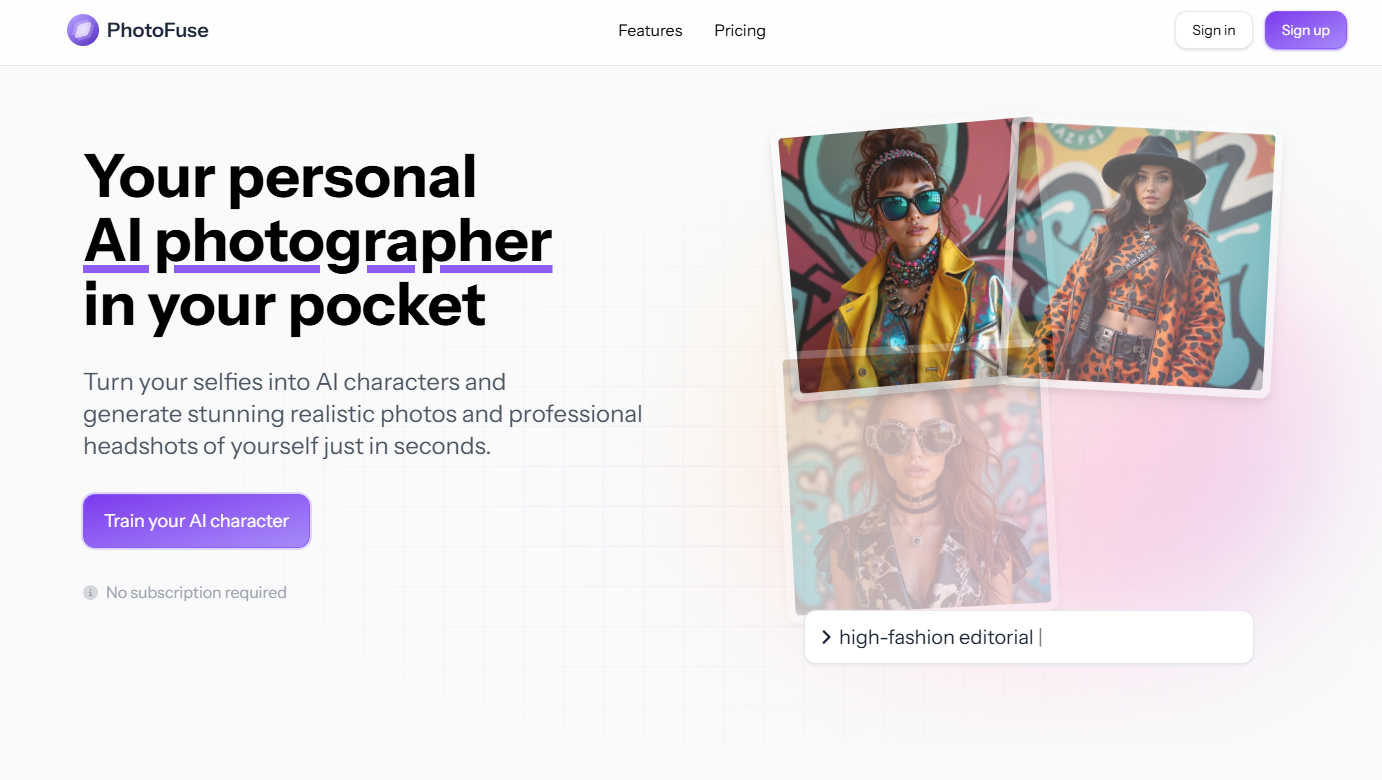
PhotoFuse
Transform your selfies into stunning AI headshots and characters in seconds, effortlessly crafted for any professional.
Last updated: March 1, 2026
Visual Comparison
Before After Photo Maker
PhotoFuse
Feature Comparison
Before After Photo Maker
Four Professional Comparison Layouts
This feature provides a versatile toolkit of visual formats to match your narrative needs. Choose from the classic Side-by-Side for balanced viewing, the engaging Interactive Slider for dramatic reveals, the clear Split View for simultaneous contrast, or the mobile-optimized Vertical Stack. This flexibility ensures your transformation story is presented in the most effective and audience-appropriate format, fostering a collaborative decision on the best visual approach.
Customizable Labels and Branding
Enhance your comparisons with clear, customizable labels for "Before" and "After" images. Adjust the label size and corner radius to match your aesthetic, and integrate your team's identity by uploading a company logo to appear discreetly in the corner. This collaborative branding feature ensures your visual assets remain professional and aligned with your project or organization's visual language, creating a cohesive presentation.
Live Preview and Instant Editing
Experience true cooperative editing with a real-time live preview that updates as you make changes. This allows teams to experiment with different layouts, label styles, and branding options together, seeing the final result take shape instantly. This immediate feedback loop streamlines the creative process, enabling quick iterations and consensus-building on the perfect final composition before export.
High-Quality Multi-Format Export
Collaboration culminates in sharing, and this feature supports it fully. Export your finalized comparison not just as a high-resolution PNG or JPG image, but also as engaging video formats or GIFs. This versatility means the same project can fuel a social media post, a website case study, or a presentation slide, allowing your team's work to shine across all necessary channels without requiring multiple tools.
PhotoFuse
Easy Photo Upload
PhotoFuse simplifies the creation process by allowing users to upload 10-15 photos of the individual they want to transform into an AI character. The platform provides clear guidance for optimal results, ensuring that the images are processed effectively.
Template Selection
Users can choose from a wide range of pre-made templates or manually design their scenes through an intuitive interface. This feature offers flexibility, allowing for personal expression while making the creation process seamless and enjoyable.
Multiple Variations
Once you have uploaded your photos and selected your preferences, PhotoFuse generates 1-4 variations of the images in just seconds. This quick turnaround allows users to download, share, or tweak their images, ensuring satisfaction with the final product.
Professional Headshot Creation
PhotoFuse enables users to craft headshots that genuinely reflect their personality and professional identity. With options for backgrounds, expressions, outfits, and accessories, users can create polished images that resonate with their intended audience, all without requiring technical expertise.
Use Cases
Before After Photo Maker
Fitness and Wellness Progress Tracking
Trainers and clients can collaborate to visually document fitness journeys, weight loss, or strength transformations. By creating side-by-side or slider comparisons, they can tangibly showcase progress over weeks or months, boosting motivation and providing clear, shareable evidence of hard work and results for community inspiration or client testimonials.
Home Renovation and Interior Design Projects
Contractors, designers, and homeowners can work together to present stunning reveals of renovation projects. Showcasing a kitchen remodel, a room makeover, or landscaping work through before-and-after visuals is powerful for portfolios, client reviews, and social media marketing, clearly communicating the value and impact of the collaborative work completed.
Beauty, Skincare, and Makeup Tutorials
Content creators and beauty professionals can demonstrate the effectiveness of techniques, products, or routines. A split-view or interactive slider is perfect for highlighting makeup applications, haircut transformations, or long-term skincare results, creating engaging, trustworthy content that visually proves benefits and builds audience trust through clear evidence.
Product Demonstrations and Business Presentations
Marketing and sales teams can collaborate to create compelling comparisons for product upgrades, service improvements, or A/B testing results. These visuals are invaluable in presentations, whitepapers, and landing pages, helping to articulate value propositions, showcase development progress, and convince stakeholders by making differences undeniable and easy to understand.
PhotoFuse
Personal Branding
For professionals looking to enhance their personal brand, PhotoFuse offers a straightforward way to create standout LinkedIn profiles and CV headshots. Users can showcase their best selves with high-quality, tailored images that capture their essence.
Marketing Content Creation
Content creators and marketers can utilize PhotoFuse to generate captivating visuals quickly. The ability to produce professional-grade images in minutes streamlines the content creation process, making it easier to maintain a consistent and appealing brand image.
Team Collaboration
PhotoFuse is ideal for teams working on collaborative projects. By allowing multiple users to create and share visual content seamlessly, the platform fosters a cooperative environment where creativity can flourish without the hassle of complicated technology.
Social Media Engagement
Individuals looking to elevate their social media presence can use PhotoFuse to create eye-catching photos that stand out in feeds. With its easy-to-use features, users can experiment with styles and share unique images that enhance their online engagement.
Overview
About Before After Photo Maker
Before After Photo Maker is a collaborative, browser-based tool designed to help teams and individuals create compelling visual narratives of change and progress. It transforms the simple act of comparing two images into a powerful storytelling experience, perfect for showcasing transformations across various fields. By working together seamlessly within the tool, users can generate professional-grade comparisons without the complexity of traditional photo editing software. Its core value lies in empowering users—from marketers and designers to fitness coaches and renovators—to visually communicate results, improvements, and milestones with clarity and impact. The synergy between its intuitive interface and powerful output options means that creating a stunning before-and-after visual is a quick, cooperative process that yields shareable, high-quality assets ready for any platform.
About PhotoFuse
PhotoFuse is your collaborative partner in visual creation, an innovative AI tool designed to simplify and enhance the photography experience. With a focus on teamwork and user-driven creativity, PhotoFuse allows individuals and teams to transform their personal selfies into hyper-realistic AI characters or create stunning professional headshots in seconds. Its mission is to empower users, whether they are professionals looking to elevate their LinkedIn profiles or content creators needing quick and high-quality visual assets. By uploading just 10-15 photos and choosing from a variety of templates or custom designs, users can easily generate images tailored to their preferences without requiring any technical skills. This cooperative approach makes PhotoFuse an invaluable tool in personal branding and marketing, providing a powerful creative studio right at your fingertips, with flexible pricing plans that come with full commercial rights.
Frequently Asked Questions
Before After Photo Maker FAQ
Is the Before After Photo Maker really free to use?
Yes, the core functionality of the Before After Photo Maker is completely free. You can upload your images, access all four comparison layouts, use the customization features, and export your high-quality comparisons without any cost or need for registration. This makes it an accessible tool for teams and individuals to start collaborating immediately.
What image formats and sizes does the tool support?
The tool supports common image formats including PNG, JPG, and GIF. You can upload images up to 10MB in size each. This range of support ensures that most photos from smartphones, cameras, or other design software can be used directly, facilitating a smooth and cooperative workflow without technical hurdles.
Can I remove the watermark from my exported comparisons?
The tool offers a transparent and collaborative approach to branding. You have the option to upload your own company or personal logo to place in the corner of your image. The platform's watermark visibility can be managed in the settings, allowing teams to choose how their final assets are branded for a professional finish.
Do I need to download software or create an account?
No, collaboration is made simple and immediate. The Before After Photo Maker is a fully online tool that runs directly in your web browser. There is no software to download or install, and no account creation is required to start creating and exporting your photo comparisons, enabling instant team productivity.
PhotoFuse FAQ
How does PhotoFuse work?
PhotoFuse operates by allowing users to upload 10-15 photos, select templates or customize their designs, and generate multiple image variations in seconds. The process requires no technical skills and is designed for user-friendly collaboration.
Can I use my generated images commercially?
Yes, PhotoFuse offers full commercial rights with its flexible pricing plans, allowing users to utilize their generated images for business purposes without any additional licensing fees.
What types of templates are available?
PhotoFuse features a diverse range of templates, including professional settings, casual backgrounds, and creative designs. Users can also manually design their scenes to match their personal or professional style.
Is there a limit to how many characters I can create?
No, PhotoFuse allows for unlimited AI character creations. Users can generate as many characters as they wish under their chosen subscription plan, making it easy to explore various styles and expressions.
Alternatives
Before After Photo Maker Alternatives
Before After Photo Maker is a free online tool in the photography and visual content category, designed to help users create professional before-and-after photo comparisons. It simplifies the process of showcasing transformations, making it accessible for a wide range of projects from home renovations to personal fitness journeys. Users often explore alternatives for various reasons, such as needing more advanced editing features, requiring offline software, or seeking integration with other creative platforms. Different projects and team workflows may also demand specific functionalities that go beyond the core offering of a single tool. When evaluating other options, it's wise to consider the collaboration features for team projects, the range of supported layouts and export options, and the overall ease of use. Finding a tool that aligns with your specific creative synergy and project requirements ensures a smoother, more productive workflow for everyone involved.
PhotoFuse Alternatives
PhotoFuse is an innovative tool designed to transform your selfies into professional AI headshots, belonging to the image and photo creation category. It simplifies the complex nature of professional photography, making it accessible and user-friendly for individuals and teams alike. Users often seek alternatives to PhotoFuse for various reasons, such as pricing, specific feature sets, or compatibility with different platforms. When searching for an alternative, it's essential to consider factors like ease of use, the quality of generated images, collaborative features, and the flexibility of pricing plans to ensure the chosen tool meets your unique needs and preferences.