Oneprofile vs Tickari
Side-by-side comparison to help you choose the right product.

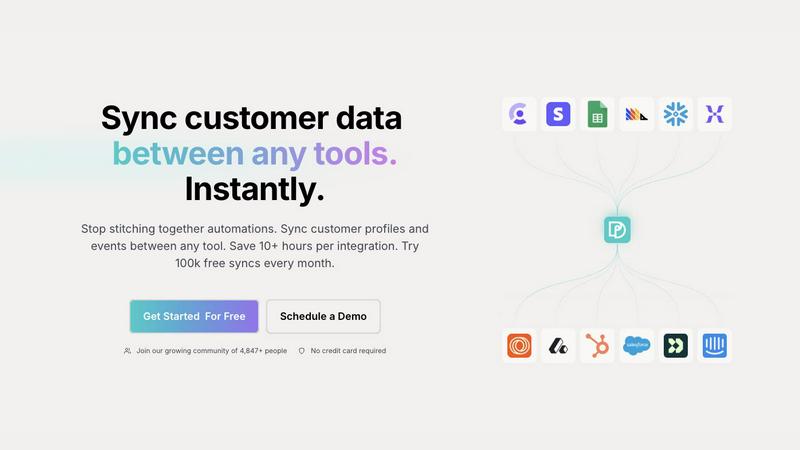
Oneprofile syncs customer profiles and events across tools, ensuring consistent data and saving you valuable time.
Last updated: February 28, 2026

The no-nonsense task manager that actually helps you get things done. No clutter. No complexity. Just you and your tasks.
Visual Comparison
Oneprofile
Tickari

Overview
About Oneprofile
Oneprofile is an innovative data synchronization tool designed to streamline how businesses manage customer profiles and events across various platforms. By eliminating the discrepancies that arise when different systems maintain their own versions of customer data, Oneprofile ensures that all customer information is unified and up-to-date in real time. This capability is vital for organizations that rely on multiple software tools for customer relationship management (CRM), analytics, support, and marketing. Oneprofile's main value proposition lies in its ability to save time and reduce errors, allowing teams to focus on delivering exceptional customer experiences rather than dealing with data inconsistencies. Whether you are a small startup or a large enterprise, Oneprofile adapts to your unique data flow needs, providing a seamless integration experience without the hassle of manual pipelines or broken integrations.
About Tickari
Tickari is a deliberately minimal, no-nonsense task manager designed for people who are tired of overcomplicated productivity tools and just want to get things done. Instead of overwhelming you with features like complex boards, AI-generated suggestions, or endless customization, Tickari focuses on a simple, frictionless workflow: write a task, tick it off, and move on.
The product embraces a “less but better” philosophy—eliminating clutter, reducing cognitive overhead, and removing the need for onboarding tutorials or setup processes. There are no distractions, no unnecessary decisions, and no feature bloat—just a clean interface that works instantly the moment you open it. This makes it particularly effective for users who feel stuck organizing tasks instead of actually completing them.