Learniverse vs Tickari
Side-by-side comparison to help you choose the right product.

Learniverse
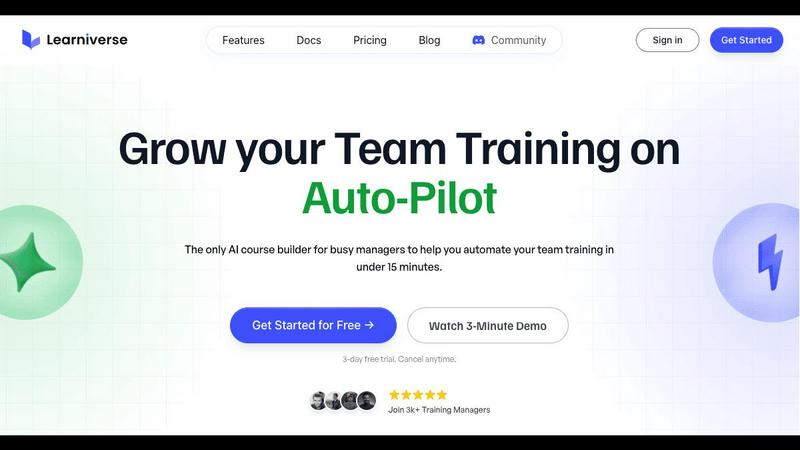
Learniverse effortlessly transforms your scattered knowledge into engaging automated training courses in minutes.
Last updated: February 28, 2026

The no-nonsense task manager that actually helps you get things done. No clutter. No complexity. Just you and your tasks.
Visual Comparison
Learniverse
Tickari

Overview
About Learniverse
Learniverse is an innovative AI-powered Learning Management System (LMS) designed to transform corporate training by enabling teams to quickly create and launch personalized academies and comprehensive courses in just minutes. Tailored for businesses of all sizes, Learniverse simplifies the training process, alleviating the chaos often associated with scattered information. Through its intuitive platform, users can effortlessly upload existing resources such as documents, PDFs, and videos, which the AI then organizes into structured learning paths. This approach significantly minimizes the time and effort typically required for course creation. With features such as built-in automation, customizable branding, community engagement tools, and robust analytics, Learniverse is an essential resource for training managers aiming to deliver effective, scalable training solutions. By handling the complexities of training delivery, Learniverse empowers teams to concentrate on their core responsibilities, ensuring a smooth transition from theory to practical application.
About Tickari
Tickari is a deliberately minimal, no-nonsense task manager designed for people who are tired of overcomplicated productivity tools and just want to get things done. Instead of overwhelming you with features like complex boards, AI-generated suggestions, or endless customization, Tickari focuses on a simple, frictionless workflow: write a task, tick it off, and move on.
The product embraces a “less but better” philosophy—eliminating clutter, reducing cognitive overhead, and removing the need for onboarding tutorials or setup processes. There are no distractions, no unnecessary decisions, and no feature bloat—just a clean interface that works instantly the moment you open it. This makes it particularly effective for users who feel stuck organizing tasks instead of actually completing them.