Filator vs Tickari
Side-by-side comparison to help you choose the right product.

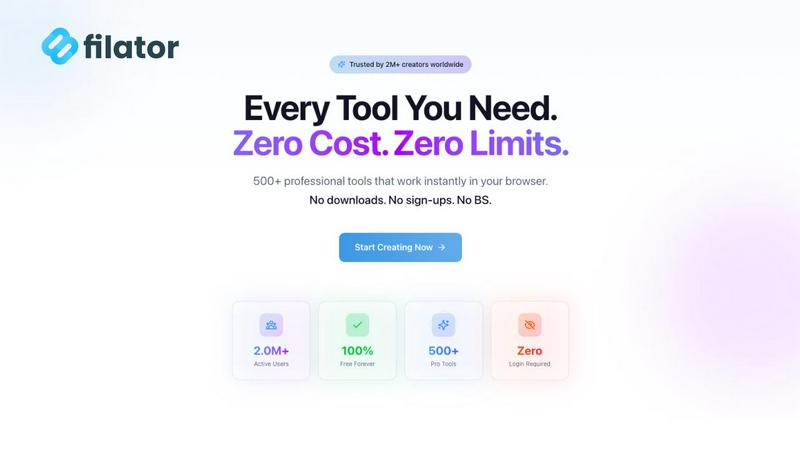
Filator empowers teams to create, convert, and automate tasks seamlessly with over 500 free tools in one platform.
Last updated: March 1, 2026

The no-nonsense task manager that actually helps you get things done. No clutter. No complexity. Just you and your tasks.
Visual Comparison
Filator
Tickari

Overview
About Filator
Filator is a state-of-the-art digital workspace meticulously crafted for professionals who prioritize efficiency and privacy in their online tasks. With a vast library of over 500 utilities, Filator caters to developers, designers, marketers, and everyday users across more than 150 countries. The platform emphasizes accessibility and instant results, allowing users to engage with tools without the hassle of signups or premium tiers. Users can effortlessly convert images, process PDFs, and explore a wealth of developer tools, all while remaining confident in their data privacy. Thanks to Progressive Web App (PWA) technology, many of Filator's tools are accessible directly in your browser and can even function offline. This ensures a seamless experience for tasks ranging from content rewriting to QR code generation and beyond. With a steadfast commitment to continual improvement and user satisfaction, Filator has become a trusted partner for over 2 million users who value their time and privacy.
About Tickari
Tickari is a deliberately minimal, no-nonsense task manager designed for people who are tired of overcomplicated productivity tools and just want to get things done. Instead of overwhelming you with features like complex boards, AI-generated suggestions, or endless customization, Tickari focuses on a simple, frictionless workflow: write a task, tick it off, and move on.
The product embraces a “less but better” philosophy—eliminating clutter, reducing cognitive overhead, and removing the need for onboarding tutorials or setup processes. There are no distractions, no unnecessary decisions, and no feature bloat—just a clean interface that works instantly the moment you open it. This makes it particularly effective for users who feel stuck organizing tasks instead of actually completing them.