APIMCP.dev vs Tickari
Side-by-side comparison to help you choose the right product.

APIMCP.dev
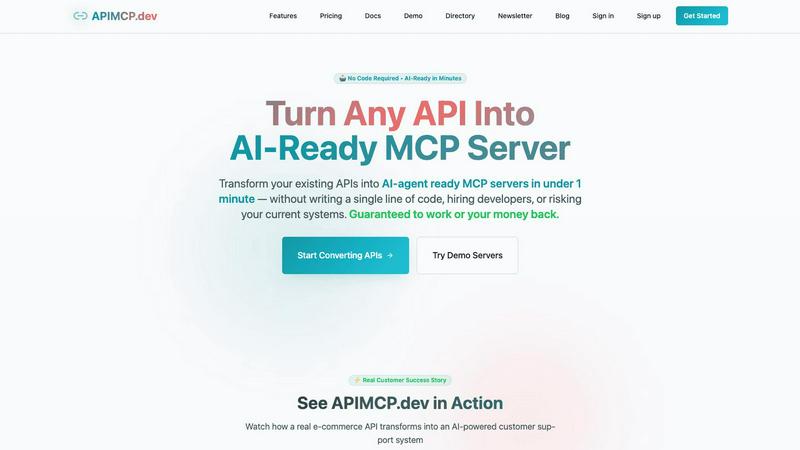
APIMCP.dev lets your team instantly transform any REST API into an AI-ready MCP server without coding.
Last updated: March 1, 2026

The no-nonsense task manager that actually helps you get things done. No clutter. No complexity. Just you and your tasks.
Visual Comparison
APIMCP.dev
Tickari

Overview
About APIMCP.dev
APIMCP.dev is a collaborative platform designed to bridge the gap between your existing digital infrastructure and the new frontier of AI agents. It empowers teams by transforming any standard REST API into an AI-ready MCP (Model Context Protocol) server in under 60 seconds. This process, which traditionally demands 40-80 hours of specialized development, is now a seamless, code-free experience. The core value proposition is fostering synergy between your data and leading AI tools like Claude, ChatGPT, and Cursor, enabling instant, intelligent automation. It's built for developers, product teams, e-commerce businesses, and any organization looking to enhance customer support, operational efficiency, and internal workflows without allocating extensive technical resources or disrupting current systems. By democratizing AI integration, APIMCP.dev allows teams to focus on innovation and strategy, working together to unlock new possibilities from their existing APIs.
About Tickari
Tickari is a deliberately minimal, no-nonsense task manager designed for people who are tired of overcomplicated productivity tools and just want to get things done. Instead of overwhelming you with features like complex boards, AI-generated suggestions, or endless customization, Tickari focuses on a simple, frictionless workflow: write a task, tick it off, and move on.
The product embraces a “less but better” philosophy—eliminating clutter, reducing cognitive overhead, and removing the need for onboarding tutorials or setup processes. There are no distractions, no unnecessary decisions, and no feature bloat—just a clean interface that works instantly the moment you open it. This makes it particularly effective for users who feel stuck organizing tasks instead of actually completing them.